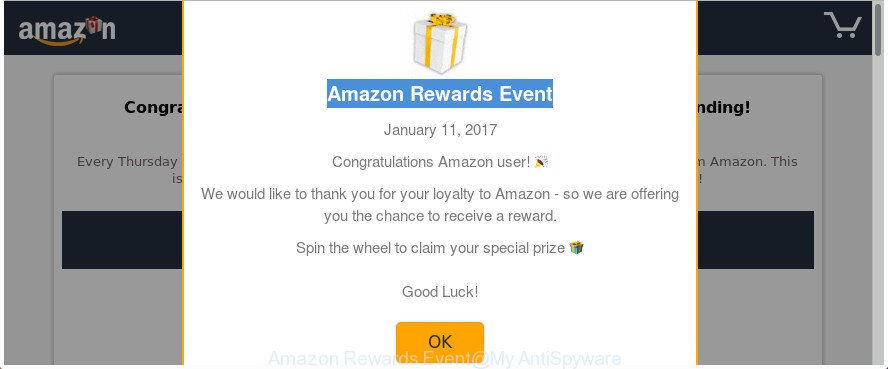
What is Amazon Rewards Event? The Amazon Rewards Event is an unwanted web page that will directly lead you a variety of advertising pages. Some of them can be questionable or misleading web-pages. Computer security experts has determined that users can be redirected to Amazon Rewards Event by various PUPs from the adware (also known
-
-
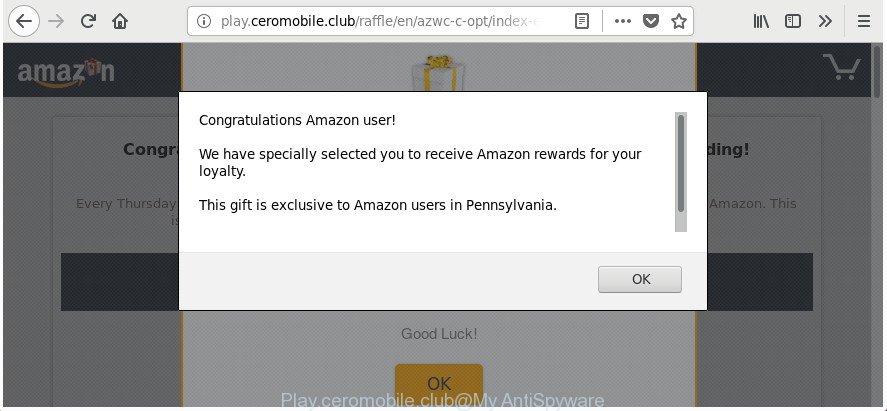
How to remove Play.ceromobile.club pop up ads [Chrome, Firefox, IE, Edge]
The Play.ceromobile.club is a web-site that can be loaded into your browser with the help of adware (also known as ‘ad-supported’ software). The ‘ad supported’ software may modify the settings of internet browsers like Microsoft Edge, Google Chrome, Internet Explorer and Mozilla Firefox or install a harmful browser addon that made to generate tons of
-

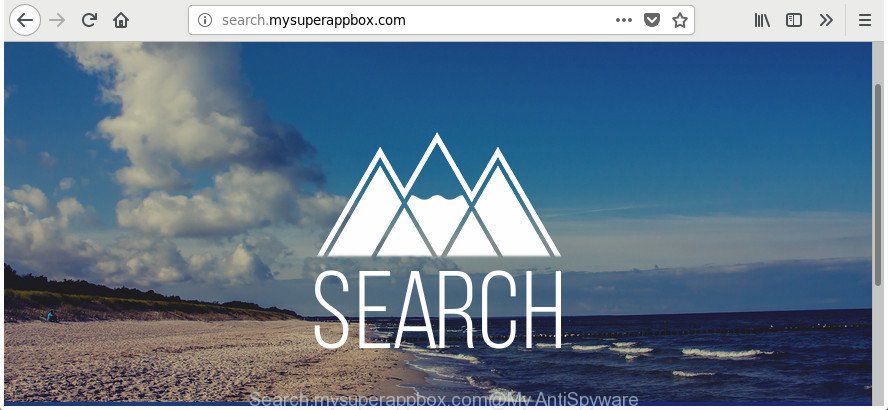
How to remove Search.mysuperappbox.com [Chrome, Firefox, IE, Edge]
When you open your web browser such as Firefox, Google Chrome, Microsoft Edge and Internet Explorer, the web page named Search.mysuperappbox.com opens automatically instead of your startpage? Or this intrusive web site has been set as new tab page and web browser’s search engine ? Then most probably hijacker (also known as hijackware) was installed
-
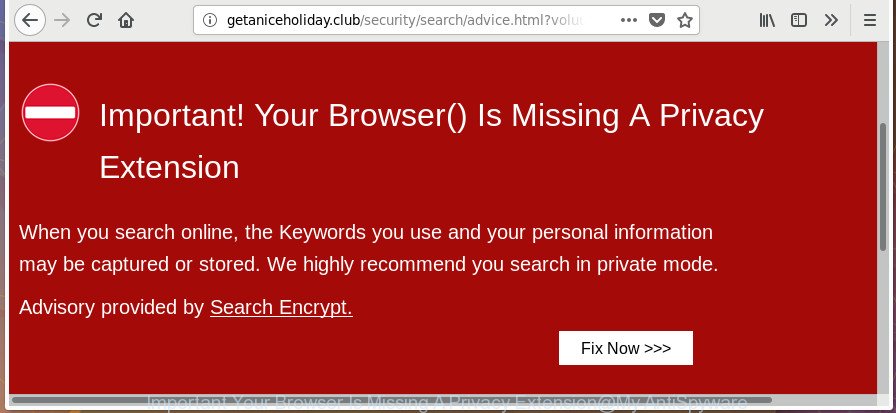
Remove “Your Browser Is Missing A Privacy Extension” pop-up [Chrome, Firefox, IE, Edge]
If the MS Edge, Google Chrome, Mozilla Firefox and Microsoft Internet Explorer are being redirected to a page titled with Your Browser Is Missing A Privacy Extension, then it is possible that your personal computer is affected with the ‘ad-supported’ software (also known as adware). The adware will modify your internet browser’s startpage, newtab and
-
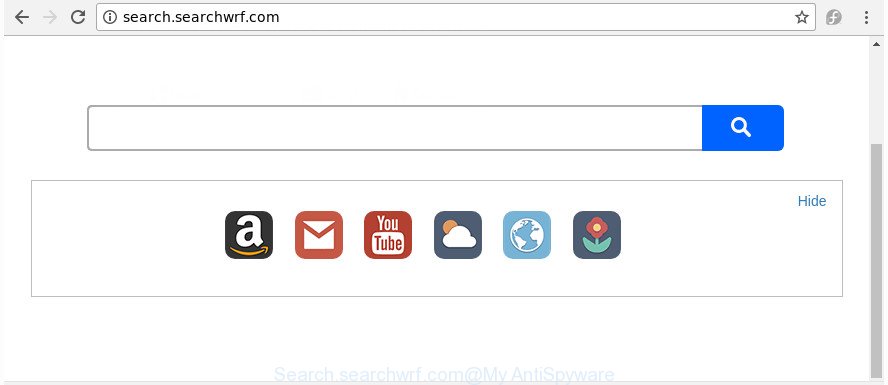
How to remove Search.searchwrf.com [Chrome, Firefox, IE, Edge]
The appearance of Search.searchwrf.com start page in your browser means that your web-browser has become the victim of the hijacker, which makes various changes to internet browsers settings by replacing the newtab page, start page and search engine. So, if you find that when you launch your internet browser, it opens this annoying web-site, then
-
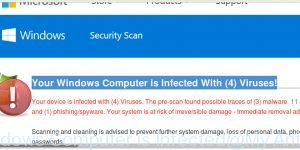
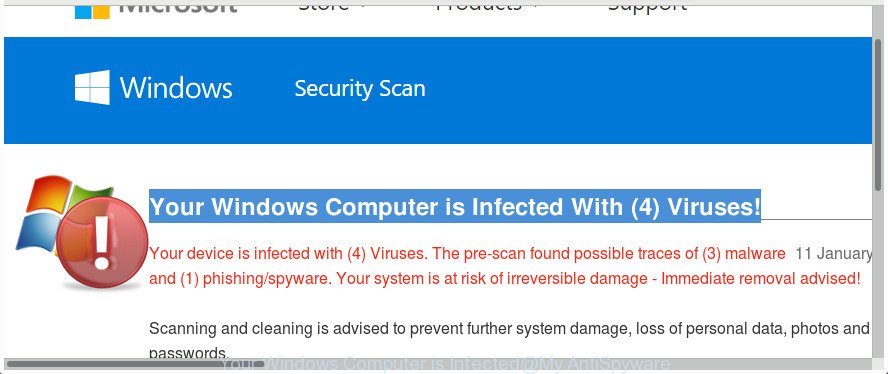
How to remove “Your Windows Computer is Infected” pop-up scam [Chrome, Firefox, IE, Edge]
The “Your Windows Computer is Infected” pop-up is a misleading advertising that created in order to trick you into downloading an questionable software or calling to the fake Microsoft Support Service. Are you seeing Your Windows Computer is Infected With (4) Viruses! pop-up in the Chrome, Internet Explorer, FF and MS Edge every time you
-
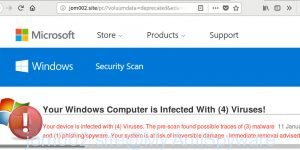
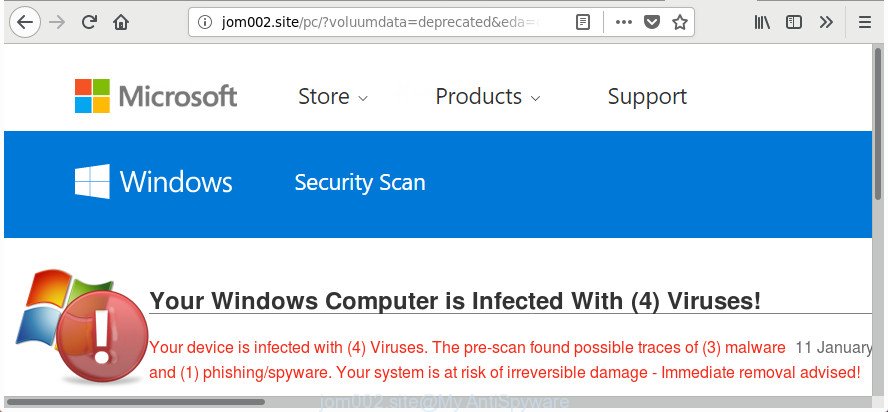
How to remove Jom002.site pop up alerts [Microsoft Support Scam]
The Jom002.site is an misleading web page that can be used to show misleading advertising (fake alerts) or redirect the Microsoft Internet Explorer, Google Chrome, Microsoft Edge and Firefox to other harmful web sites. If your browser is redirected to the Jom002.site, then most probably that an adware (also known as ‘ad-supported’ software) was installed
-
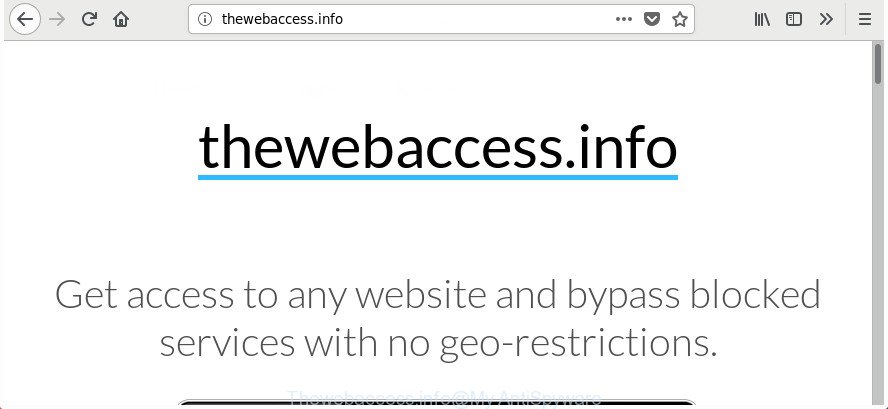
How to remove Thewebaccess.info adware [Chrome, Firefox, IE, Edge]
The Thewebaccess.info is classified as PUP (potentially unwanted program) from the adware (also known as ‘ad-supported’ software) category. It can open undesired advertisements within the Chrome, Firefox, MS Edge and Internet Explorer or reroute your internet browser on various ads sites. As a result of the adware infection, your browser will be full of advertisements
-
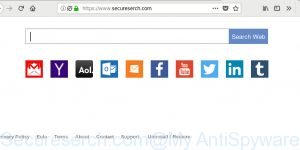
How to remove Secureserch.com [Chrome, Firefox, IE, Edge]
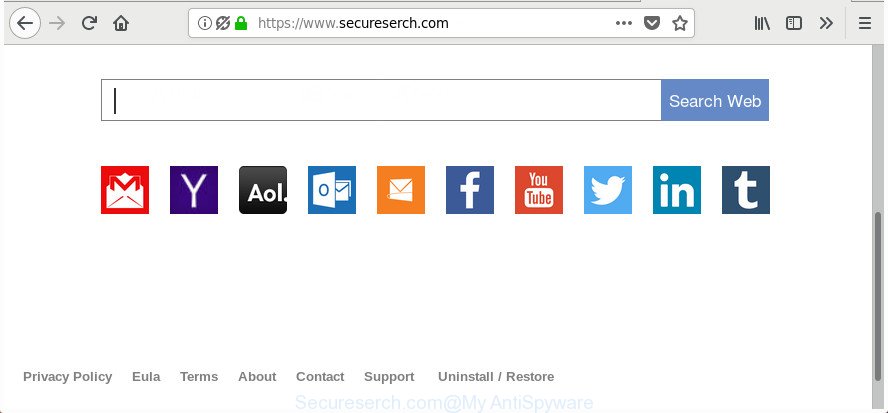
If you find that your settings of installed internet browsers have been changed to Secureserch.com without your permission then most probably that browser hijacker (sometimes named hijackware) was installed on your computer. Once started, it takes control of your computer including all your typical Edge, Mozilla Firefox, Microsoft Internet Explorer and Google Chrome and changes
-
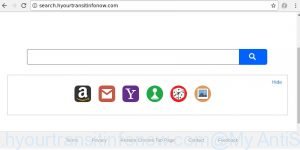
How to remove Search.hyourtransitinfonow.com [Chrome, Firefox, IE, Edge]
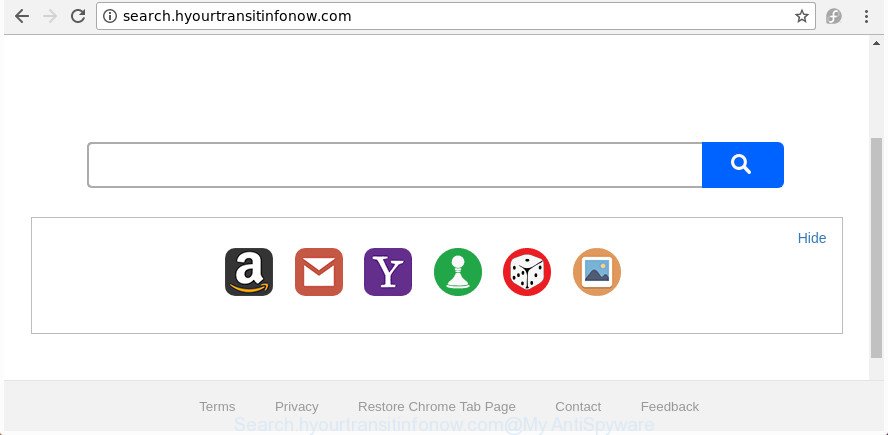
If you find that your settings of your browser have been replaced to Search.hyourtransitinfonow.com without your permission then it is a sign that your browser has been hijacked with the obnoxious browser hijacker. Once started, it takes control of your PC system including installed Google Chrome, Microsoft Internet Explorer, Edge and Firefox and may introduce


 |
 |
 |


