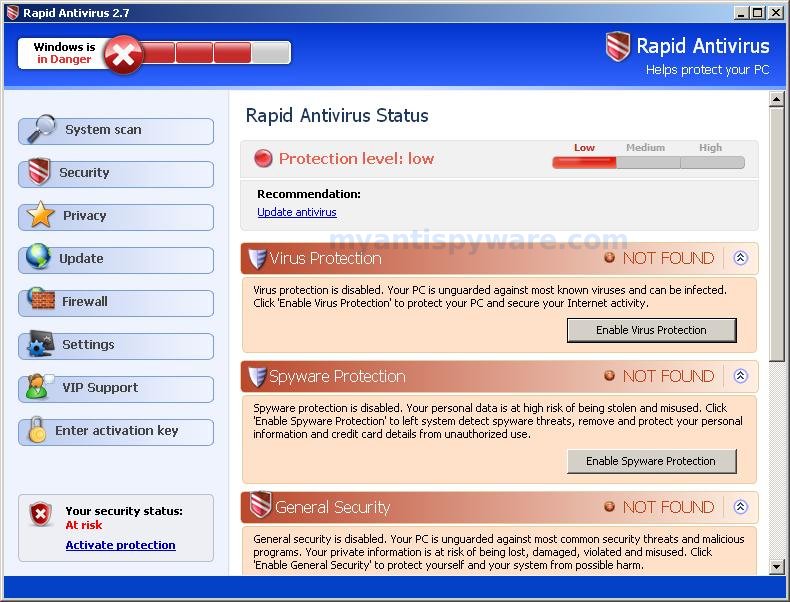
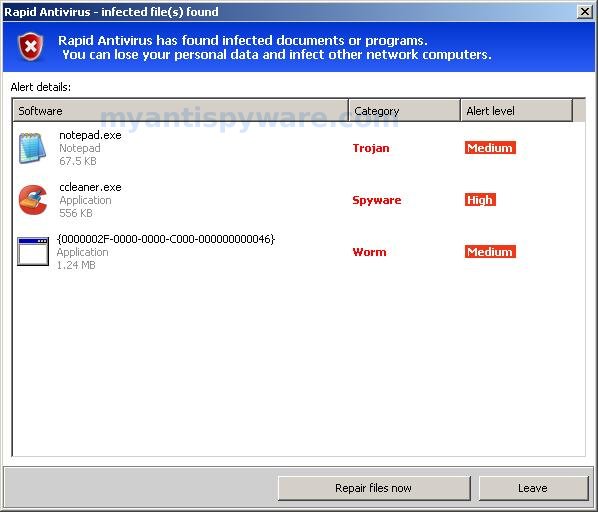
Rapid Antivirus is a fake (rogue) antispyware application. Looks like AntiVir64. The program uses advertising on the Internet for distribution. This advertisement tells that your computer is infected and offers to download and install RapidAntivirus.
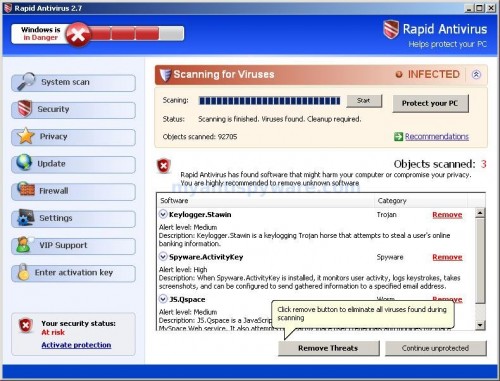
During installation, it configures itself to run automatically every time, when you start your computer. Once running, RapidAntivirus will scan your computer and reports false or exaggerated system security threats on the computer that cannot be removed unless you first purchase the software. Also it finds are legitimate programs and labels them as spyware.
Symptoms in a HijackThis Log:
O4 – Startup: Rapid Antivirus.lnk = C:\Program Files\Rapid Antivirus\Rapid Antivirus.exe
Use the following instructions to remove RapidAntivirus.
Download MalwareBytes Anti-malware (MBAM). Close all programs and Windows on your computer.
Double Click mbam-setup.exe to install the application. When the installation begins, keep following the prompts in order to continue with the installation process. Do not make any changes to default settings and when the program has finished installing, make sure a checkmark is placed next to Update Malwarebytes’ Anti-Malware and Launch Malwarebytes’ Anti-Malware, then click Finish.
If an update is found, it will download and install the latest version.
Once the program has loaded you will see window similar to the one below.

Malwarebytes Anti-Malware Window
Select “Perform Quick Scan”, then click Scan. The scan may take some time to finish,so please be patient.
When the scan is complete, click OK, then Show Results to view the results. You will see a list of infected items similar as shown below. Note: list of infected items may be different than what is shown in the image below.
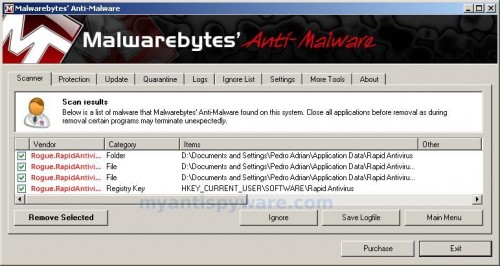
Malwarebytes Anti-malware, list of infected items
Make sure that everything is checked, and click Remove Selected. When disinfection is completed, a log will open in Notepad and you may be prompted to Restart.
Note: if you need help with the instructions, then post your questions in our Spyware Removal forum.