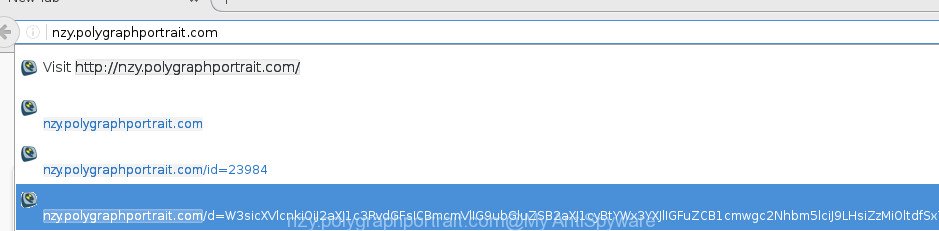
If you`re seeing nzy.polygraphportrait.com in a Chrome, Firefox, Internet Explorer or Edge address bar or history then possible that your computer is infected with an adware. This adware changes browser’s settings to display a lot of annoying ads on all websites, including sites where previously you advertising banners have never seen. These advertisements can be
-
-
Remove UmbreCrypt virus (Decrypt .umbrecrypt files)
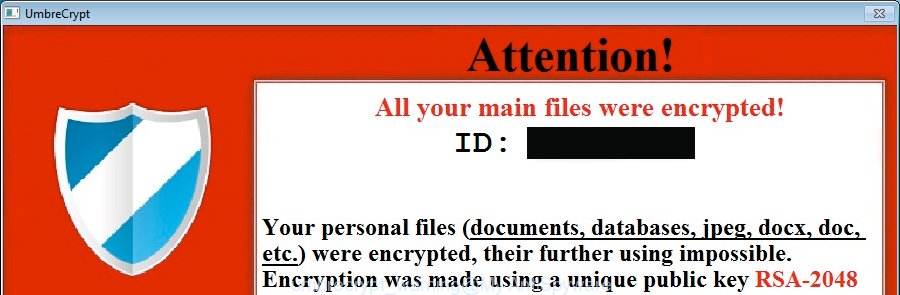
UmbreCrypt is a virus from a family of CrypBoss ransomware. Once started, it will encrypt all victim’s files and documents stored on a computer drives and attached network drives. It uses very strong hybrid encryption with 2048-bit key. When UmbreCrypt encrypts a file, it will change a file extension to the .umbrecrypt_ID_{your_id}. Once the virus
-
Windows won`t boot, run or start in Safe mode – How to restore the SafeBoot keys
If Windows won’t boot (start or run) in Safe mode, then you’ve probably got malware or the effects of malware on the computer. Some types of malware may disable Safe mode by removing the HKEY_LOCAL_MACHINE\SYSTEM\CurrentControlSet\Control\SafeBoot registry keys from Windows registry. Read below how to restore the SafeBoot keys.
-
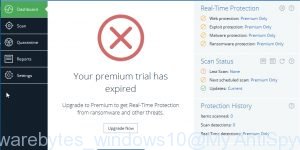
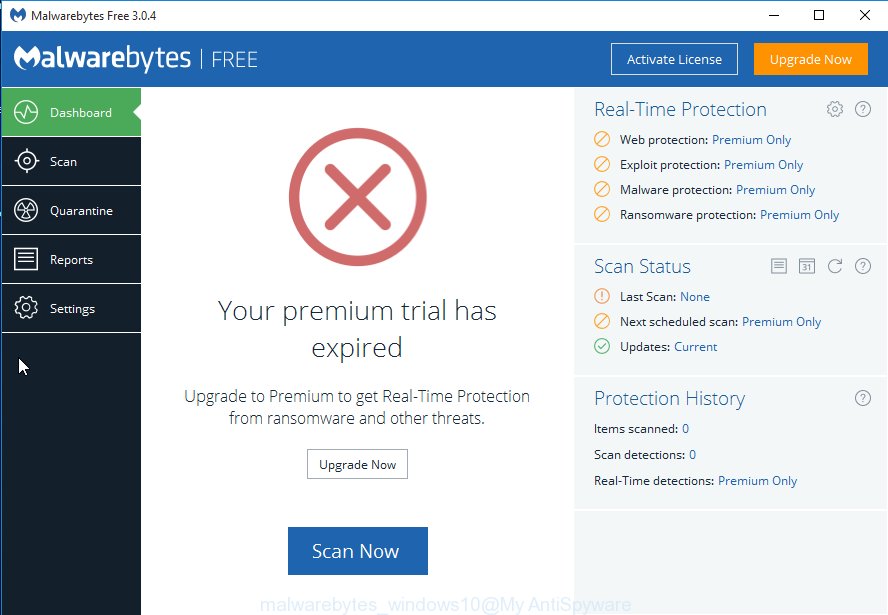
Malwarebytes won’t install, run or update – How to fix it
If Malwarebytes Anti-malware won’t install, run or update, then you’ve probably got malware or the effects of malware on the computer (some types of malware will disable Malwarebytes Anti-malware and other security tools). The following instructions is a guide that will help you to solve the most common problems when you install, run and update
-
How to disable Avast antivirus Resident Protection
Avast antivirus Resident Protection will prevent HijackThis and Combofix from fixing an infection. You must disable it before the start of the removal of spyware and malware. Use the instructions below to disable Resident Protection.
-
How to disable AVG antivirus Resident Shield (Disable/Enable AutoProtection)
AVG antivirus Resident Shield will prevent HijackThis and Combofix from fixing an infection. You must disable it before the start of the removal of spyware and malware. Use the instructions below to disable Resident Shield.
-
How to remove Flash Disinfector protection (autorun.inf folder)
Flash Disinfector is very good free program created by sUBs for removing autorun.inf trojans and protect your Flash/Pen drives from future infection. For protect your computer, the program will create a hidden folder, named autorun.inf in each partition and every USB drive plugged in when you ran it. This autorun.inf folder contains hidden file “lpt3.This
-
Cannot open C Drive – How to fix it using Flash Disinfector
The reason that you Cannot open C Drive – is Autorun.inf virus(trojan), which infected your computer. Double-clicking or pressing Enter, to a drive containing autorun.inf in its root directory will activate autorun.inf file. This is used by viruses and trojans spreading on USB flash drives (pen drives). Flash_Disinfector by sUBs is a free program and
-
How to update Java
If your Java is outdate, then you have a risk to infect you computer with spyware, malware and trojans through java security holes. I would recommend you follow these instructions to update java and protect your computer.
-
How to disable Spybot – Search and Destroy TeaTimer
Spybot – Search and Destroy TeaTimer will prevent HijackThis and Combofix from fixing an infection. You must disable it before the start of the removal of spyware and malware. To disable Spybot – Search and Destroy TeaTimer:


 |
 |
 |


