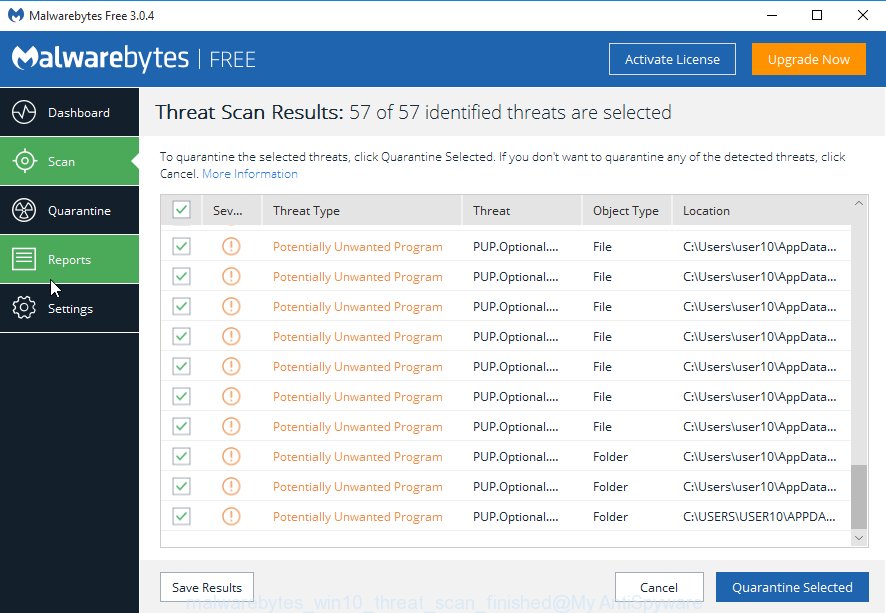
The uq2u231.ru is an one of the many unwanted web-pages, which can be opened automatically each time you run the web-browser. The reason of automatic opening of this web-site is an ‘ad-supported’ software (also known as adware), which was set on your PC without your consent. Because, the ‘ad-supported’ software is often used to show
-
-
How to remove fs1news.ru redirect [Chrome, Firefox, IE, Edge]
If you redirecting the fs1news.ru unwanted site, when you surf the Internet with the Chrome, Internet Explorer, Firefox and MS Edge, then it could mean your system is infected with ‘ad-supported’ software (also known as adware) from the big malware family. Once started, it may install a malicious web-browser’s extension that generates a ton of
-

How to remove 10nr6frq.cricket redirect [Chrome, Firefox, IE, Edge]
The appearance of annoying 10nr6frq.cricket pop-up ads in your web-browser means that your computer is infected with an adware (also known as ‘ad-supported’ software). It makes changes to the computer settings and configures itself so as to start automatically each time the personal computer is turned on. Immediately after startup, the ‘ad-supported’ software begins to
-
How to remove Splintersearch.com [Chrome, Firefox, IE, Edge]
If you keep receiving the Splintersearch.com when you start the internet browser, it could mean your personal computer is infected by browser hijacker. Once installed, it’ll make a changes to the Google Chrome, IE, Mozilla Firefox and Microsoft Edge’s settings. So, every time, when you will open the web-browser, it will start to open Splintersearch.com
-
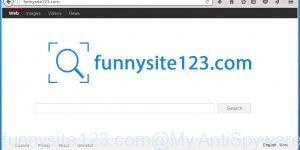
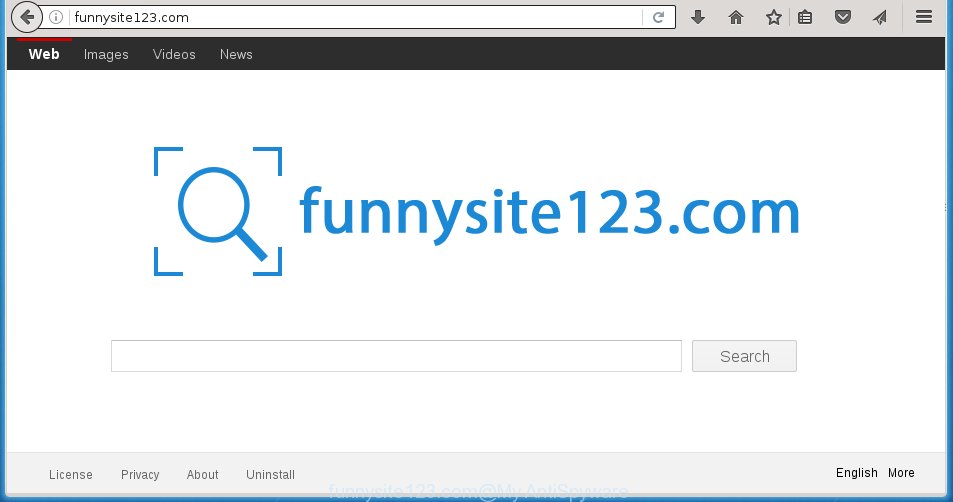
How to remove Funnysite123.com [Chrome, Firefox, IE, Edge]
The Funnysite123.com is a browser hijacker. Once this unwanted software gets installed on your computer, it changes the settings of all your typical browsers such as Google Chrome, Firefox, MS Edge and Internet Explorer. It will set Funnysite123.com as your homepage, new tab and default search engine. Thus, if you start any of the web-browsers,
-
How to remove superinterstitial.com redirect [Chrome, Firefox, IE, Edge]
Are you open your favorite browser and do not see usual start page, which is set earlier? Or, the superinterstitial.com is the first thing that pop up once you run your internet browser? It means that your computer has become the victim of malware from the group of adware (also known as ‘ad-supported’ software). If
-
How to remove bus.clevernt.com ads [Chrome, Firefox, IE, Edge]
If you find that your browser has become show the unwanted bus.clevernt.com pop-up ads then it’s a sign that your system is infected with malicious software from the adware family. The adware (also known as ‘ad-supported’ software) is a form of unwanted software that can open a large amount of pop-up ads without a user’s
-
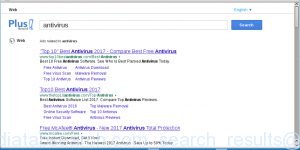
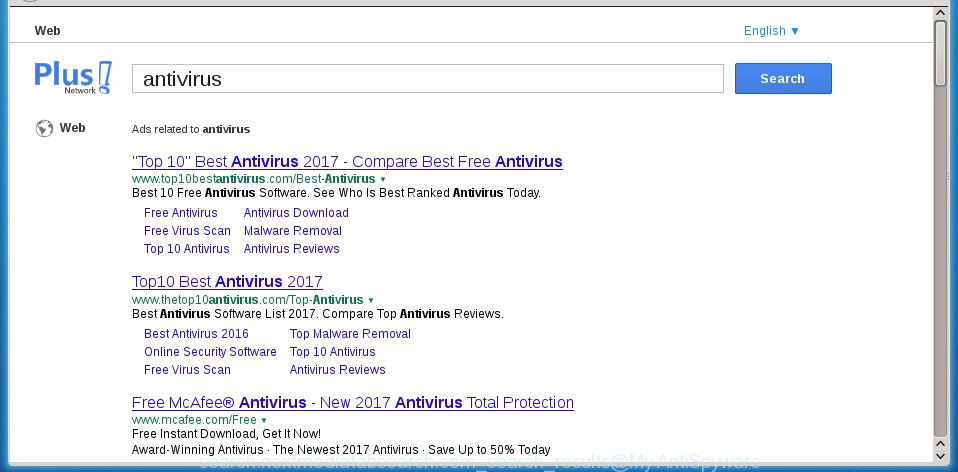
Remove Search.nextmediatabsearch.com [Chrome, Firefox, IE, Edge]
The Search.nextmediatabsearch.com is classified as web browser hijacker. The appearance of nextmediatabsearch.com “New Tab” in your internet browser means that your PC is infected with unwanted software, that makes changes to the Chrome, Mozilla Firefox, Microsoft Edge and Internet Explorer’s settings by replacing the start page and search provider by default. So, if you find
-
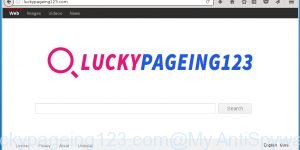
How to remove Luckypageing123.com [Chrome, Firefox, IE, Edge]
When you run your web browser such as Google Chrome, FF, Internet Explorer and MS Edge, the web-page named Luckypageing123.com opens automatically instead of your start page? Or this annoying web-page replaces the new tab page and internet browser’s search engine ? Then most probably your PC has become a victim of the browser hijacker
-
How to remove Luckystarting.com [Chrome, Firefox, IE, Edge]
The Luckystarting.com is an unwanted web-page that installed as your homepage with the help of browser hijacker. Once started, it will change the settings of web-browsers like Google Chrome, Microsoft Internet Explorer, Mozilla Firefox and Edge. So, every time when you run a internet browser, it’ll always be forced to show Luckystarting.com web page, even


 |
 |
 |


