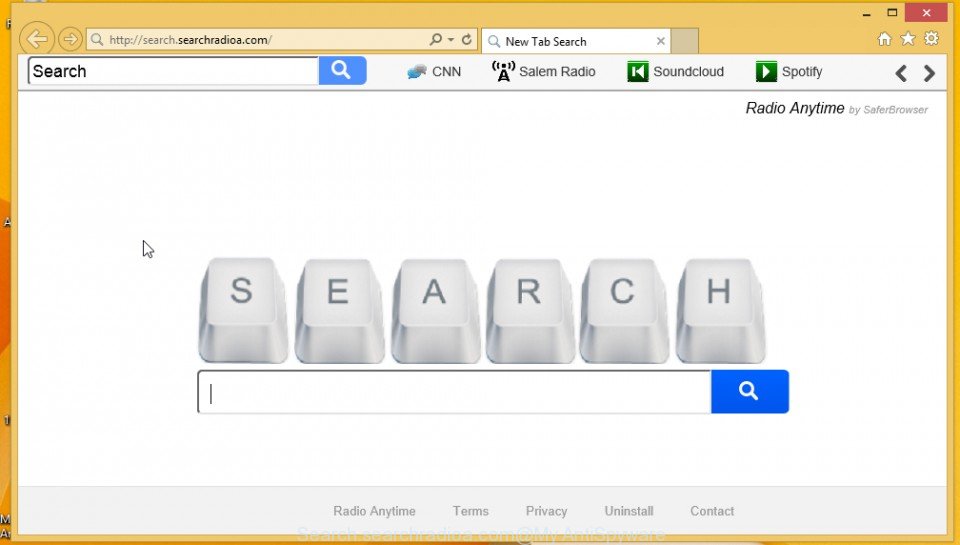
Search.searchradioa.com is a browser hijacker that installed onto your PC with the help of “Radio Anytime” adware. It changes browser’s settings such as a home page and default search engine. So, every time, when you will run your browser, it will open a Search.searchradioa.com web site. In addition, it will change the properties of browsers
-
-
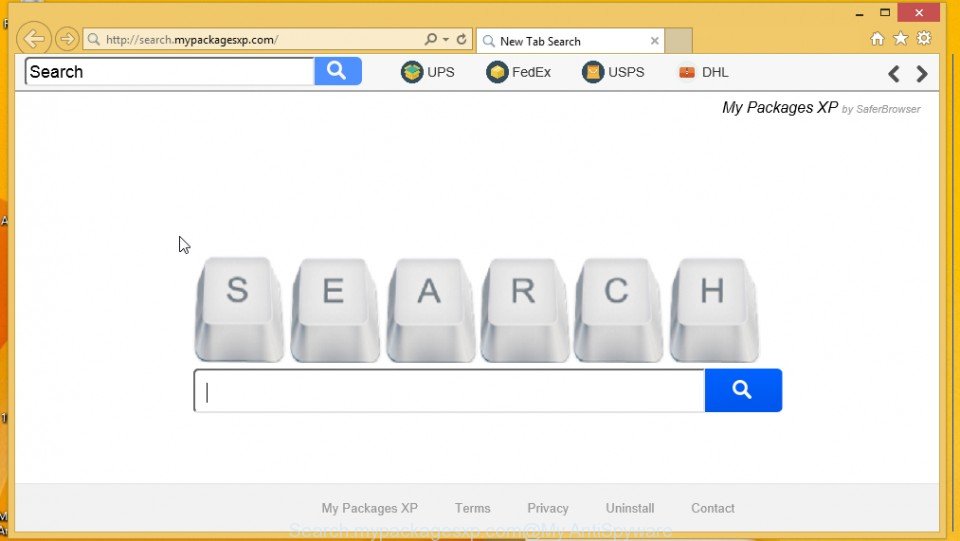
Remove Search.mypackagesxp.com and My Packages XP adware (Instructions)
Search.mypackagesxp.com is a browser hijacker that installed onto your PC with the help of “My Packages XP” adware. It changes browser’s settings such as a home page and default search engine. So, every time, when you will run your browser, it will open a Search.mypackagesxp.com web site. In addition, it will change the properties of
-
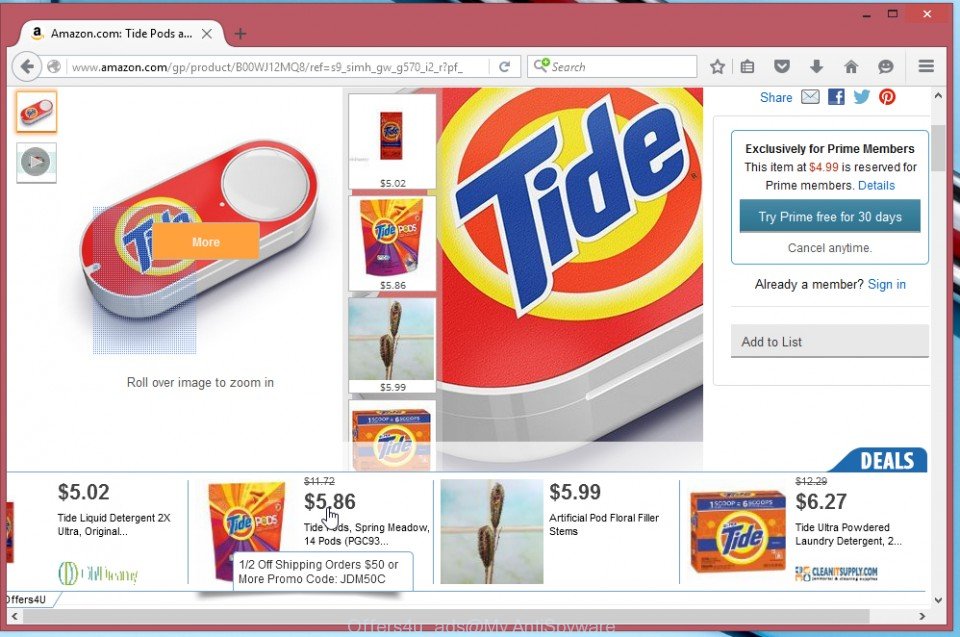
Remove Offers4U ads from Firefox, Chrome and Internet Explorer (Instructions)
Offers4U ads are advertisements that caused by shopperz adware. When this unwanted software infects your computer, it changes Google Chrome, Mozilla Firefox and Microsoft Internet Explorer (Edge) settings such as a home page and search engine. What is more, Offers4U will also install a malicious BHO or a browser’s extension that will display a variety
-

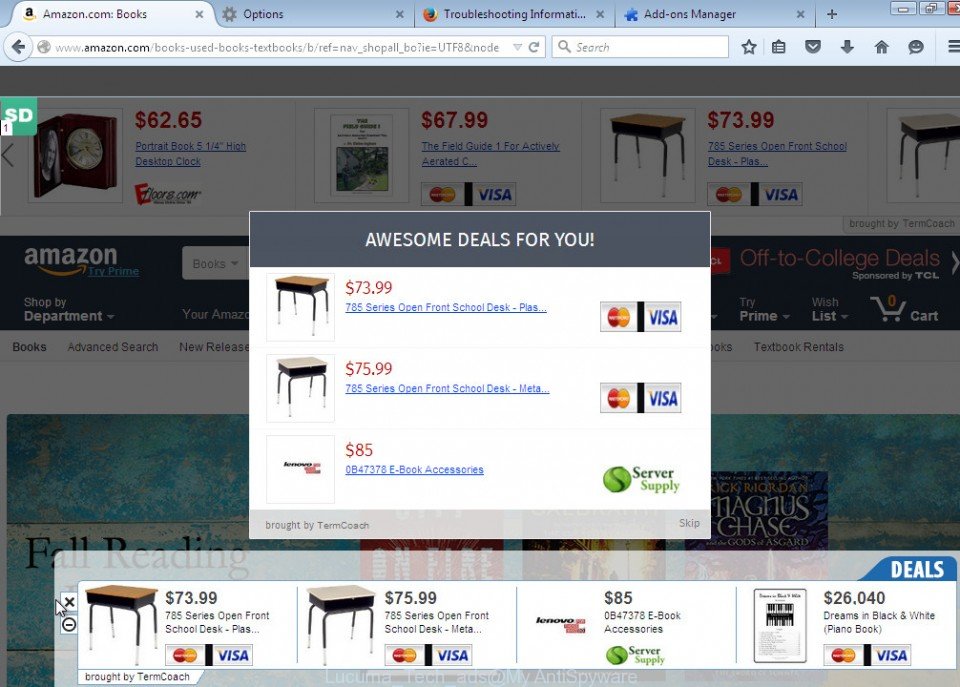
Remove Lucuma Tech ads from Chrome, Firefox, Internet Explorer and Edge (Instructions)
Lucuma Tech ads are advertisements that caused by Lucuma Tech adware. When this unwanted software infects your computer, it changes Google Chrome, Mozilla Firefox and Microsoft Internet Explorer (Edge) settings such as a home page and search engine. What is more, Lucuma Tech will also install a malicious BHO or a browser’s extension that will
-
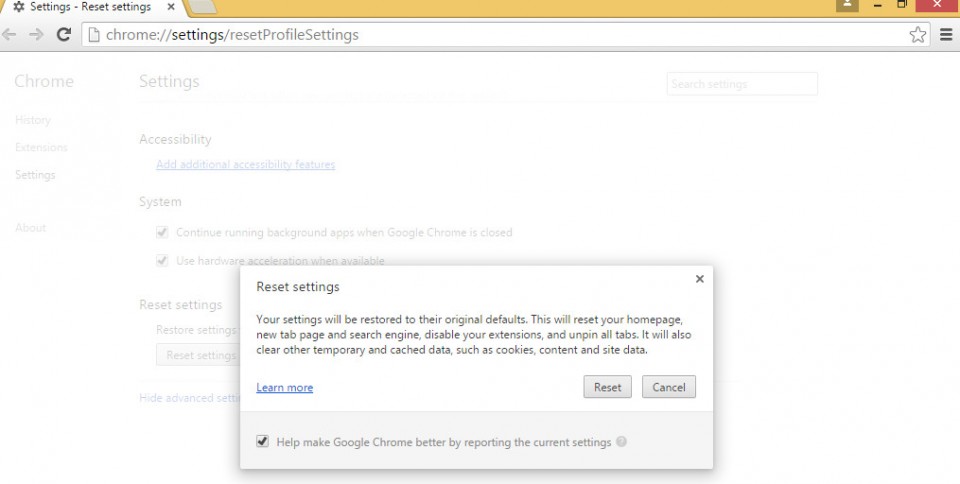
How to reset Google Chrome settings to default
With this operation, the Google Chrome browser will set personal settings in the state it was in immediately after installation. This means that: your home page and a new tab page will be restored the search engine will be replaced on Google disabled all extensions and unpinned all tabs that attached Furthermore, Chrome will remove
-
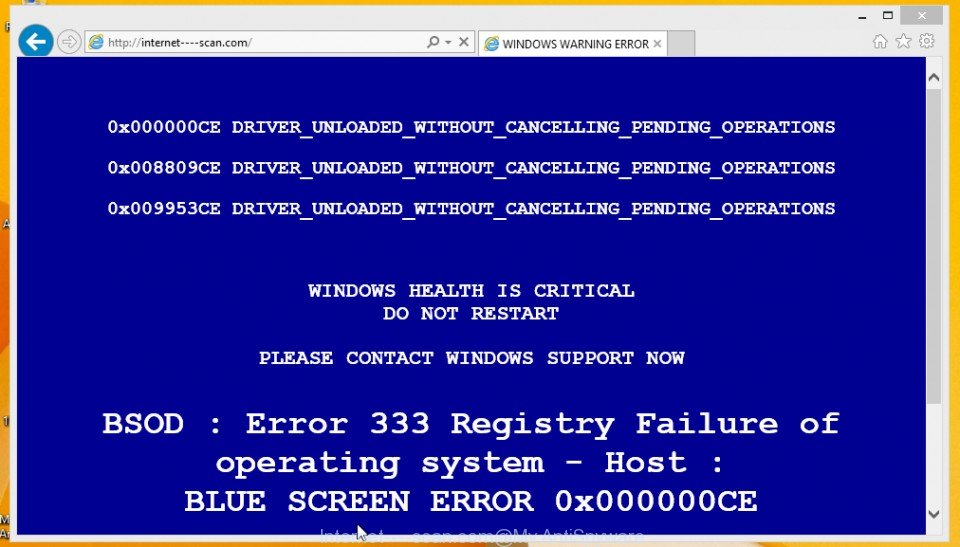
Remove Internet—-scan.com warning pop-ups (Instructions)
Internet—-scan.com pop-up warnings on your screen that looks like BSOD is a sign that you computer is infected with an adware or potentially unwanted program (PUP). It is important to know that “WINDOWS WARNING ERROR”, “Debug malware error” and “.net frame work file missing” are a complete fake that has been created to scare you
-

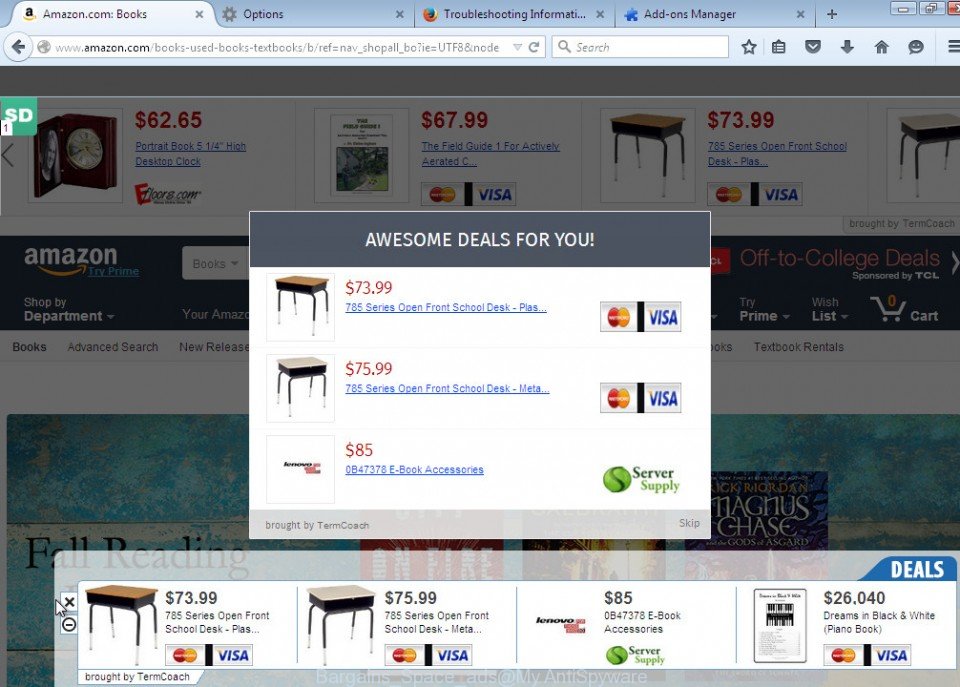
Remove Bargains Space Ads from Chrome, Firefox and Internet Explorer (Instructions)
Ads By Bargains Space is a sign that your computer is infected with an adware program. When this virus infects your computer, it changes Google Chrome, Mozilla Firefox and Microsoft Internet Explorer (Edge) settings such as a home page and search engine. What is more, Bargains Space will also install a malicious BHO or a
-
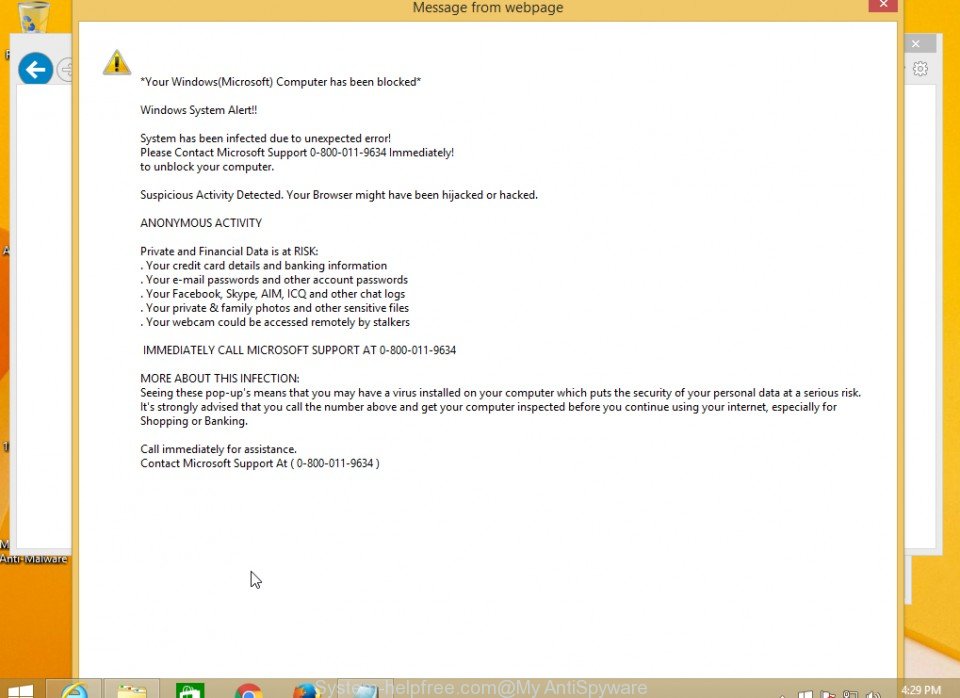
Remove System-helpfree.com redirect from Chrome, Firefox and Internet Explorer (Instructions)
System-helpfree.com system alert pop-ups on your screen is a sign that you computer is infected with an adware or potentially unwanted program (PUP). It is important to know, this “Windows System Alert” is a complete fake that has been created to scare you into thinking that your computer is heavy infected. In reality, you have
-
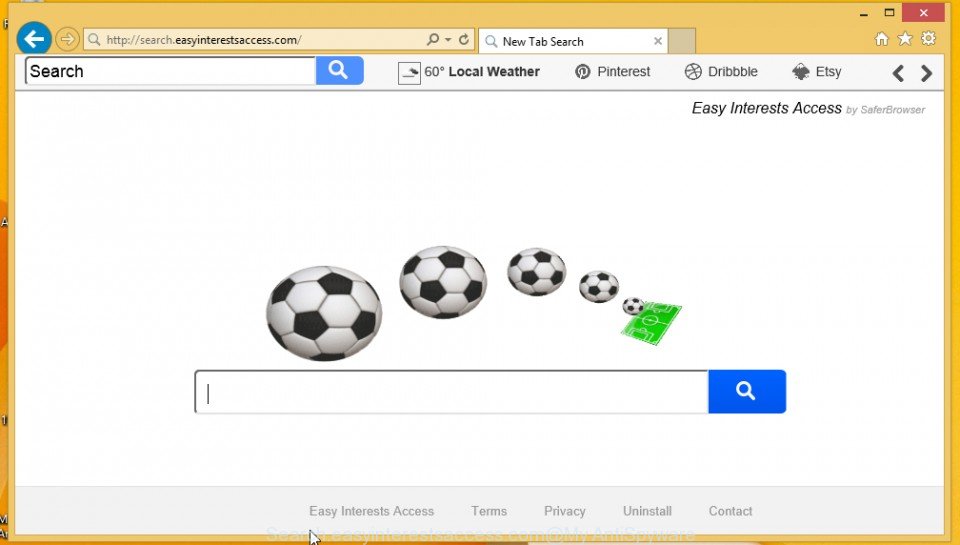
Remove Search.easyinterestsaccess.com hijacker from Chrome, Firefox, Internet Explorer (Instructions)
Search.easyinterestsaccess.com is a browser hijacker that installed onto your PC with the help of “Easy Interests Access” adware. It changes browser’s settings such as a home page and default search engine. So, every time, when you will run your browser, it will open a Search.easyinterestsaccess.com web site. In addition, it will change the properties of
-
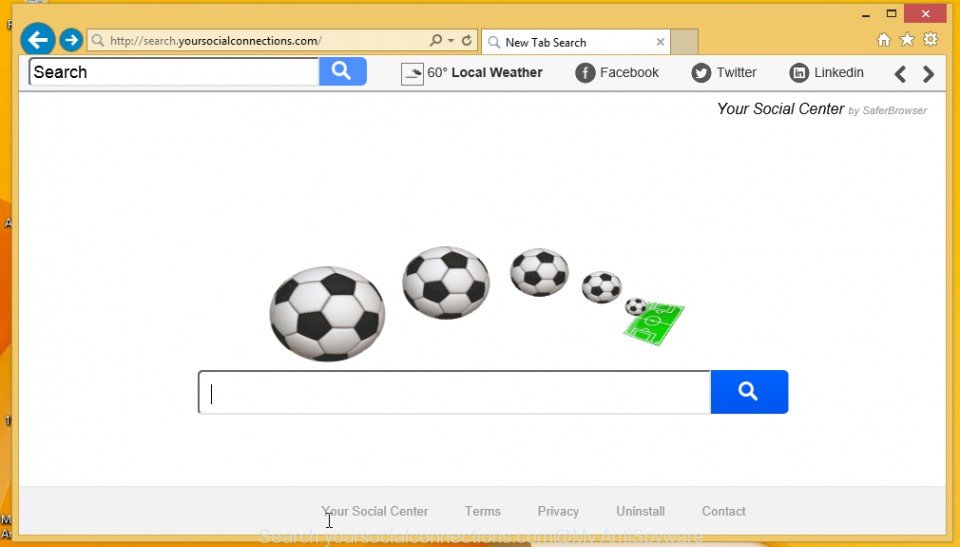
Remove Search.yoursocialconnections.com hijacker from Chrome, Firefox and Internet Explorer (Instructions)
Search.yoursocialconnections.com is a browser hijacker that installed onto your PC with the help of “Your Social Center” adware. It changes browser’s settings such as a home page and default search engine. So, every time, when you will run your browser, it will open a Search.yoursocialconnections.com web site. In addition, it will change the properties of


 |
 |
 |


