Federal contractors and grant recipients who manage their organization’s SAM.gov account may have received a concerning email on March 8, 2023, stating that someone with the email address [email protected] had updated their entity registration in SAM.gov. The email caused panic and concern, with many users worried that the system had been hacked.
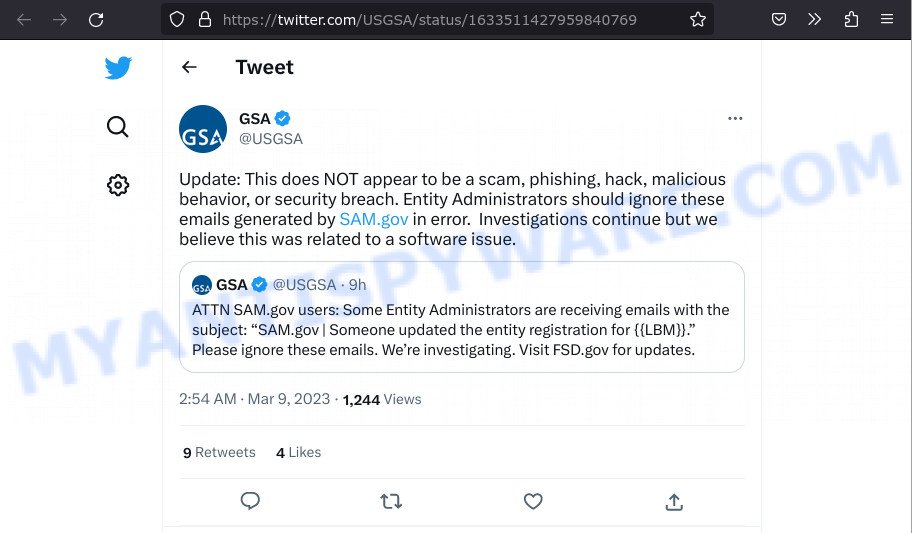
However, the General Services Administration (GSA) later clarified that the email was sent as part of a system error and was not a hack or security breach. The GSA tweeted that entity administrators should ignore the email, which was generated by SAM.gov in error. Investigations into the matter are ongoing, but the agency stated that it did not appear to be a scam, phishing attempt, hack, or malicious behavior.
Despite the email being a system error, it is important for users to take some actions to ensure the security of their organization’s information. First, users should confirm that none of their organization’s information was changed. If any changes were made, they should contact the Federal Service Desk immediately to report the issue.
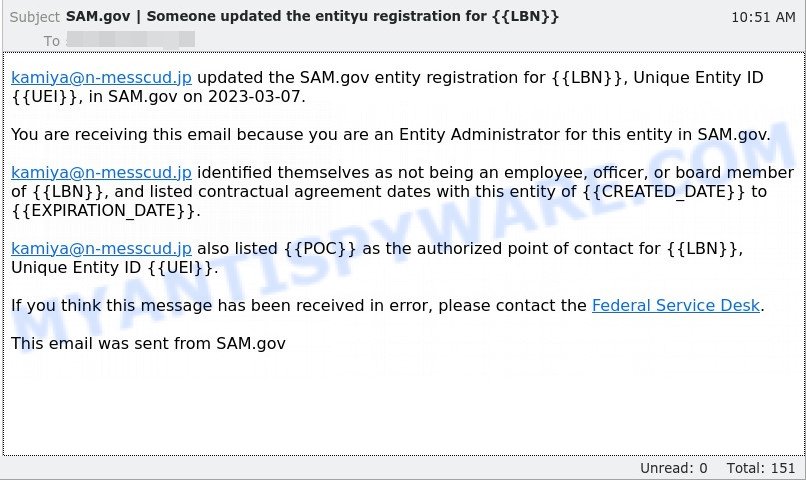
A “[email protected]” email reads as follows:
Subject:SAM.gov | Someone updated the entityu registration for {{LBN}}
[email protected] updated the SAM.gov entity registration for {{LBN}}, Unique Entity ID {{UEI}}, in SAM.gov on 2023-03-07.You are receiving this email because you are an Entity Administrator for this entity in SAM.gov.
[email protected] identified themselves as not being an employee, officer, or board member of {{LBN}}, and listed contractual agreement dates with this entity of {{CREATED_DATE}} to {{EXPIRATION_DATE}}.
[email protected] also listed {{POC}} as the authorized point of contact for {{LBN}}, Unique Entity ID {{UEI}}.
If you think this message has been received in error, please contact the Federal Service Desk.
This email was sent from SAM.gov
Users should also review their SAM.gov account security settings and ensure that their contact information is up to date. This will ensure that they receive any future updates or alerts from SAM.gov regarding their organization’s registration. Additionally, users should be vigilant and report any suspicious activity or emails to the Federal Service Desk.
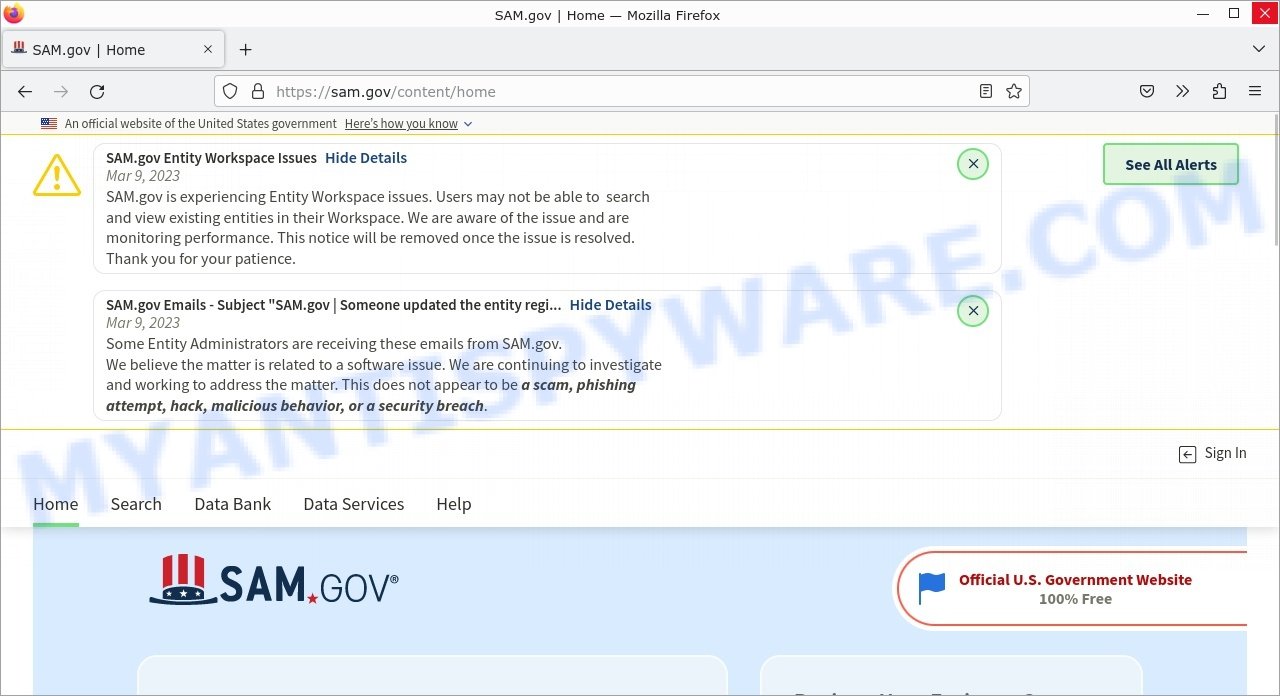
It is important to note that the website outage preventing users from checking their information was caused by a separate software issue and was unrelated to the email issue. However, users should still monitor the website for updates and ensure that their organization’s information is correct.
In conclusion, while the SAM.gov email was a system error and not a security breach, users should take some actions to ensure the security of their organization’s information. Confirm that no changes were made, review account security settings and contact information, and report any suspicious activity or emails to the Federal Service Desk.





