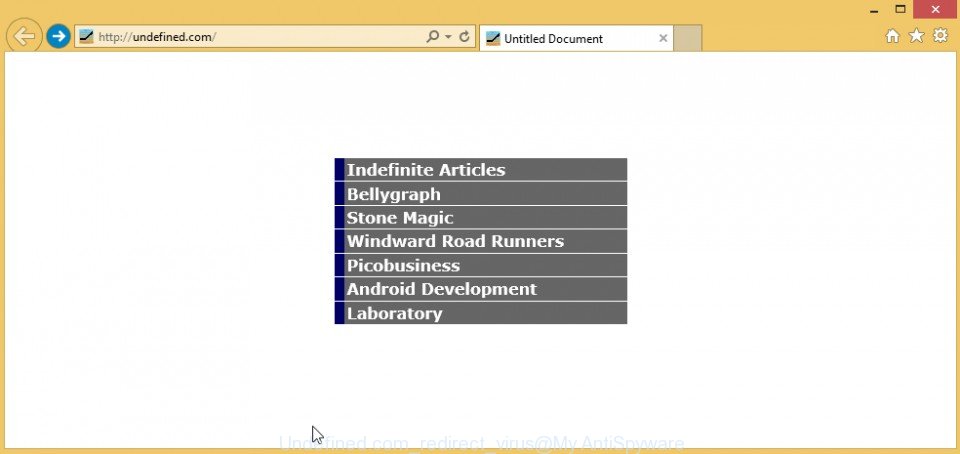
Undefined.com is a browser hijacker that changes browser’s settings such as a home page and default search engine. It infects Chrome, Internet Explorer and Firefox during installation of free programs downloaded from the Internet. Once started, it will change the properties of browsers shortcuts on the desktop and in the Start menu by adding argument
-
-
Remove SunnyDay-Apps ads from Chrome, Firefox and Internet Explorer (Instructions)
SunnyDay-Apps ads is a sign that your computer is infected with an adware program that is created by SuperWeb LLC. When this adware infects your computer, it changes Google Chrome, Mozilla Firefox and Microsoft Internet Explorer (Edge) settings such as a home page and search engine. What is more, SunnyDay-Apps adware will also install a
-
Remove Intelli-support-assistant.com pop-up alerts (Instructions)
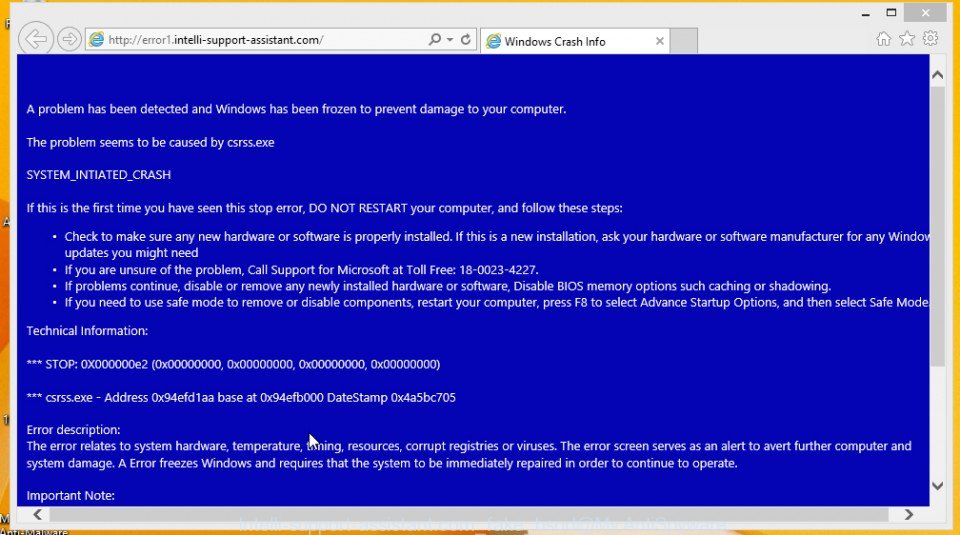
Intelli-support-assistant.com system alert pop-ups on your screen is a sign that you computer is infected with an adware or potentially unwanted program (PUP). It is important to know, this “Windows Crash Info” and “System Alert” are a complete fake that has been created to scare you into thinking that your computer have a lot of
-
Remove Zip Arcade ads (Instructions)
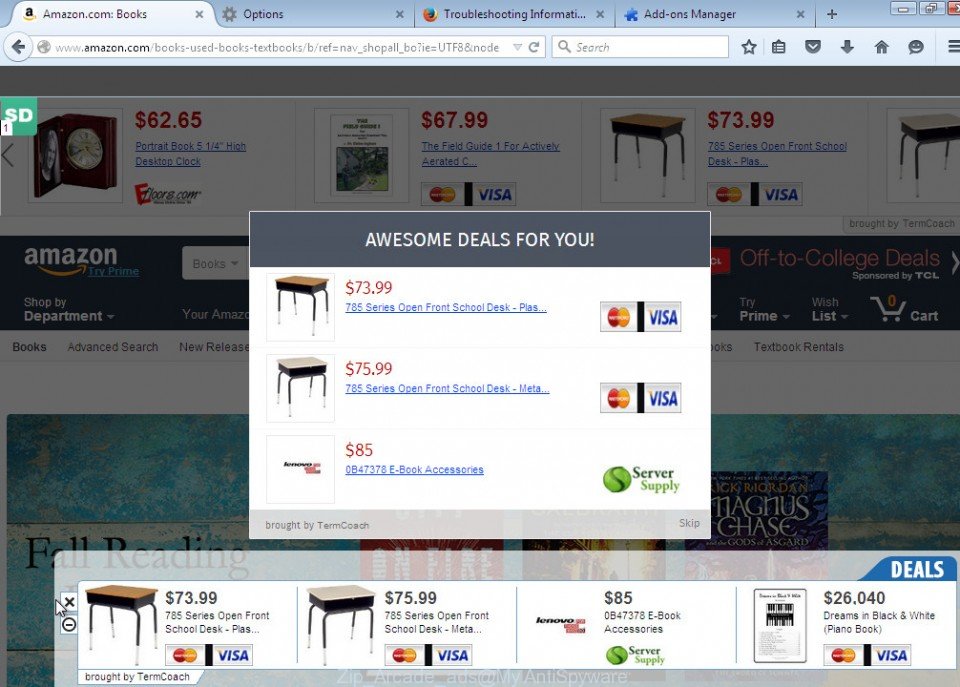
Ads By Zip Arcade is a sign that your computer is infected with an adware program. When this virus infects your computer, it changes Google Chrome, Mozilla Firefox and Microsoft Internet Explorer (Edge) settings such as a home page and search engine. What is more, Zip Arcade will also install a malicious BHO or a
-
Remove Updatenew.freecodecheck.com pop-ups (Instructions)
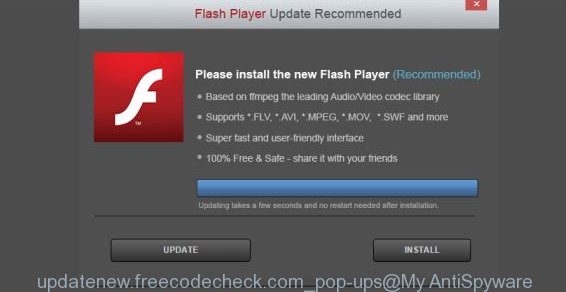
Updatenew.freecodecheck.com pop-ups on your screen that recommends you to install a “Flash Player Update” is a totally fake. It is a sign that you computer is infected with an adware or potentially unwanted program (PUP). All of these pop-ups from Updatenew.freecodecheck.com are caused by a malicious extension that has been installed by an adware and



 |
 |
 |


