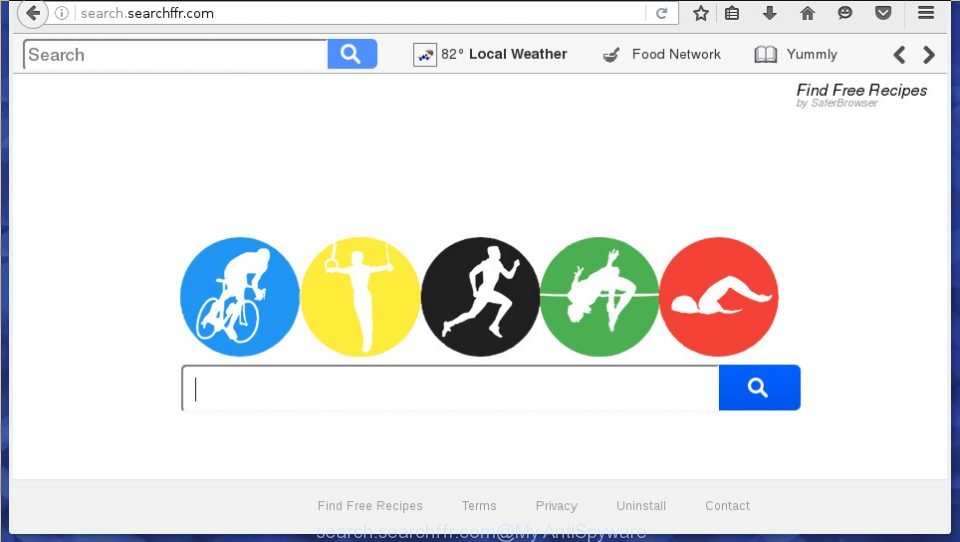
Technically, Search.searchffr.com is a browser hijacker, it is not a virus, but this infection modifies browser’s settings. Once this hijacker gets installed on your computer, it changes the settings of all your web browsers such as Internet Explorer, Google Chrome, Opera as Mozilla Firefox. It will set Search.searchffr.com web site as your home page and
-
-
Remove Search.classifiedlist.net redirect (Instructions)
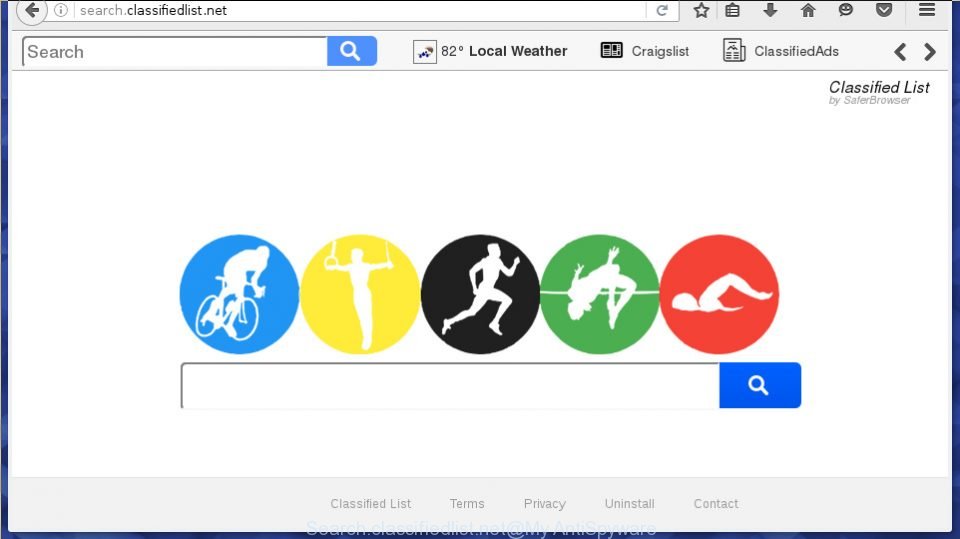
This guide will help you to remove Search.classifiedlist.net from your browser. The appearance of this site as your home page and the search engine is the result of the penetration of your PC with malware, known as a browser hijacker, which has received widespread in recent days. Many people are faced with the fact that
-
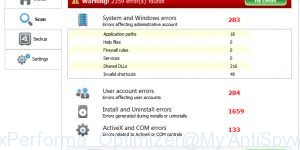
Remove MaxPerforma Optimizer (Removal instructions)
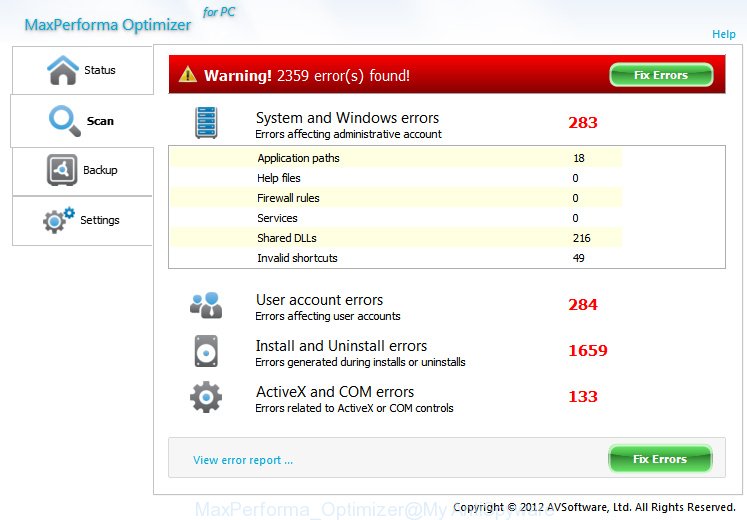
MaxPerforma Optimizer is a potentially unwanted program (PUP). It is called MaxPerforma Optimizer claims to help users improve a computer response time. Once installed and started, it will perform a scan of whole system and detect a lot of problems. MaxPerforma Optimizer will offer to purchase its full version to try to fix these problems.
-
Remove MyPC HealthCheck (Removal instructions)
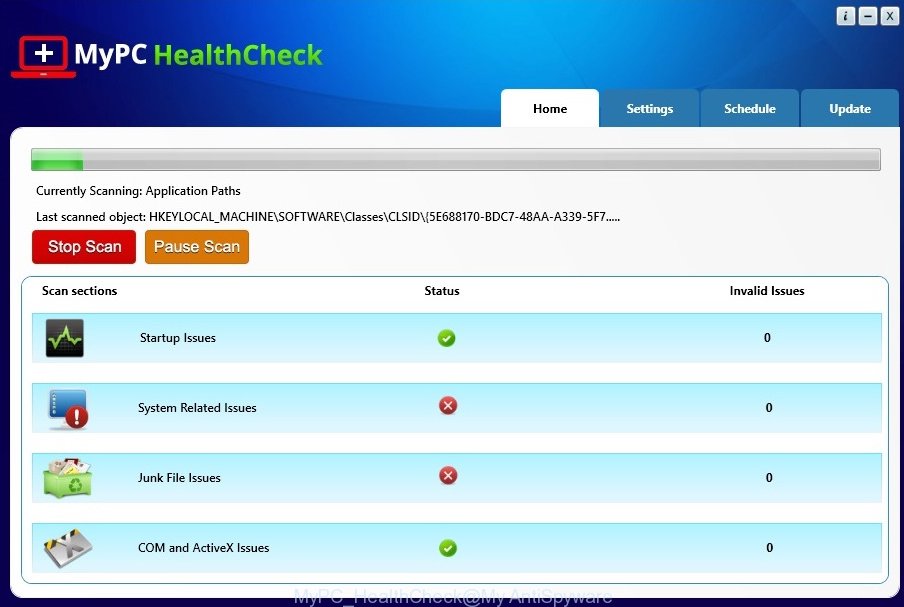
MyPC HealthCheck is a potentially unwanted program (PUP). It is called MyPC HealthCheck claims to help users eliminate registry errors and speed up a computer. Once installed and started, it will perform a scan of whole system and detect a lot of problems. MyPC HealthCheck will offer to purchase its full version to try to
-
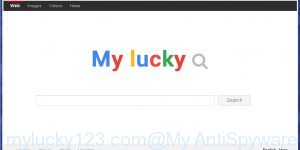
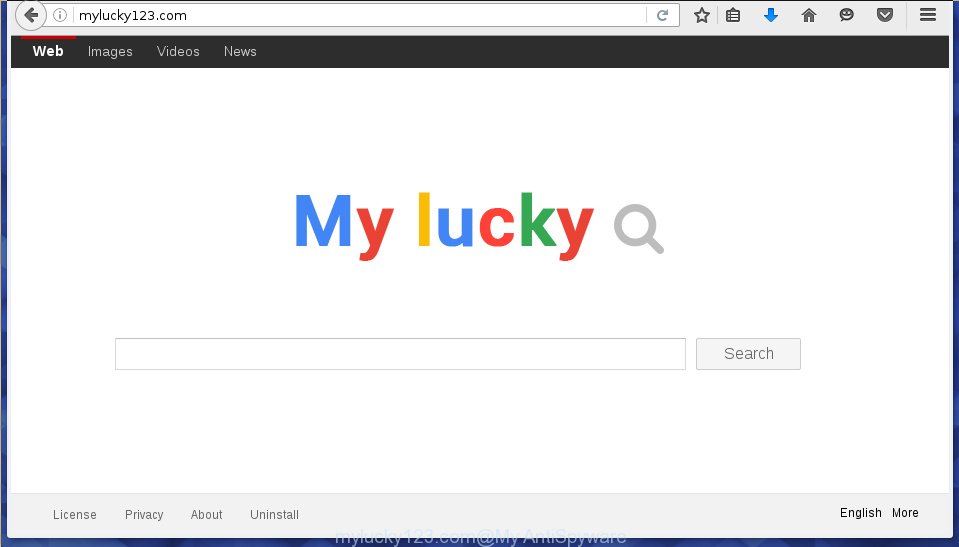
How to remove Mylucky123.com [Chrome, Firefox, IE, Edge]
The browser hijacker infection, which set the Mylucky123.com start page as your home page can also set this intrusive web-page as your search engine. You will encounter the fact that the search in the web browser has become uncomfortable to use, because the search results will consist of a large number of ads, links to
-
Remove best-option24.ru pop-up ads (Instructions)
If Chrome, Firefox, IE or Edge opens the best-option24.ru then most probably that your computer is infected with an adware. This adware changes Google Chrome, Mozilla Firefox and Microsoft Internet Explorer (Edge) settings to display a lot of annoying ads on all websites, including sites where previously you advertising banners have never seen. These advertisements
-
Remove apycomm.com pop-up ads (Instructions)
If Chrome, Firefox, IE or Edge opens the apycomm.com then most probably that your computer is infected with an adware. This adware changes Google Chrome, Mozilla Firefox and Microsoft Internet Explorer (Edge) settings to display a lot of annoying ads on all websites, including sites where previously you advertising banners have never seen. These advertisements
-
Remove none-it.ru pop-up ads (Instructions)
If Chrome, Firefox, IE or Edge opens the none-it.ru then most probably that your computer is infected with an adware. This adware changes Google Chrome, Mozilla Firefox and Microsoft Internet Explorer (Edge) settings to display a lot of annoying ads on all websites, including sites where previously you advertising banners have never seen. These advertisements
-

Remove vulkangames.net pop-up ads (Instructions)
If Chrome, Firefox, IE or Edge opens the vulkangames.net then most probably that your computer is infected with an adware. This adware changes Google Chrome, Mozilla Firefox and Microsoft Internet Explorer (Edge) settings to display a lot of annoying ads on all websites, including sites where previously you advertising banners have never seen. These advertisements
-
Remove all2lnk.com pop-up ads (Instructions)
If Chrome, Firefox, IE or Edge opens the all2lnk.com then most probably that your computer is infected with an adware. This adware changes Google Chrome, Mozilla Firefox and Microsoft Internet Explorer (Edge) settings to display a lot of annoying ads on all websites, including sites where previously you advertising banners have never seen. These advertisements



 |
 |
 |


