F-Secure Online Virus Scanner is a free service, which you can use to find out if your computer is infected and disinfect your computer if needed. F-Secure Online Scanner will automatically download the necessary components and virus definition databases as it is started.
How to use F-Secure Online Virus Scanner.
1. Click here for open F-Secure Online Virus Scanner site.
2. Click on Start scanning.
3. The Internet Explorer-Security Warning box will pop up,click on Install.
4. Read the Licence Agreement,then click on Accept.
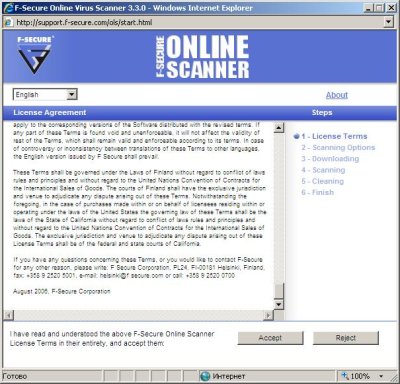
5. In the next window that opens click on Custom Scan.
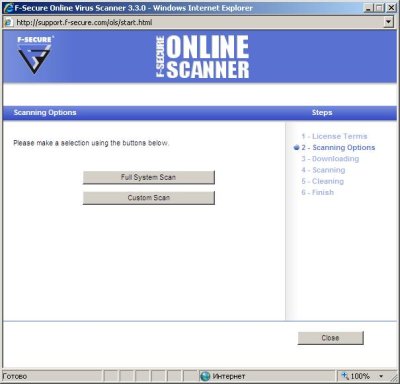
6.Under Virus Scan Options, make sure Scan whole system is selected. Under Other Scan Options, make sure the following are selected:
Scan all files
Scan whole system for rootkits
Scan whole system for malware
Scan inside archives
Use advanced heuristics
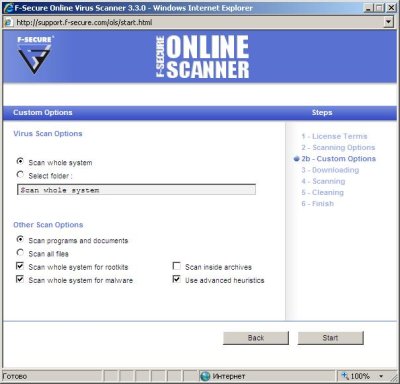
7. Click on Start.
8. The scanner components and databases will then be downloaded, this will take some time.
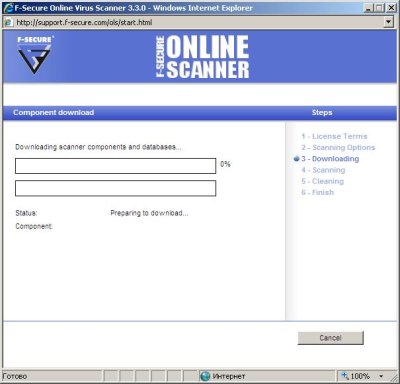
9. The virus scan will then start automatically.
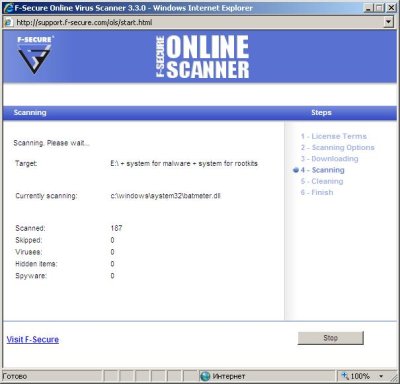
10. The scan will take some time to finish,so please be patient.
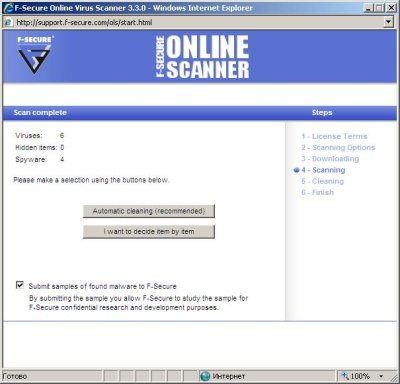
11. When the scan completes, click the I want to decide item by item button.
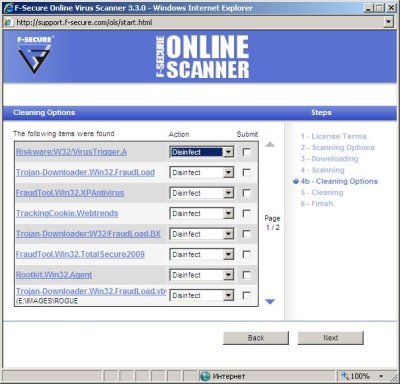
12. For each item found, Select Disinfect and click Next.
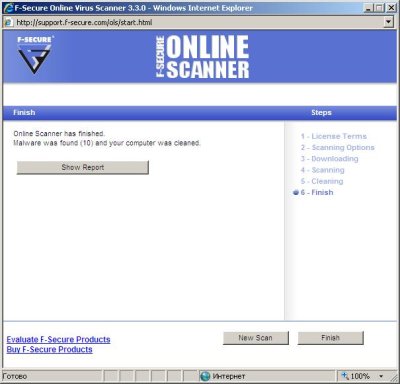
13. Click the Show Report button,If you need to save result of scanning.





thanks
How tu uninstall F-Secure online scanner?
Yoki, F-Secure online scanner is a web application that does not require uninstall procedure.
Hi It’s very important to Help in the WEb !!
heappy New years and thk’s!!