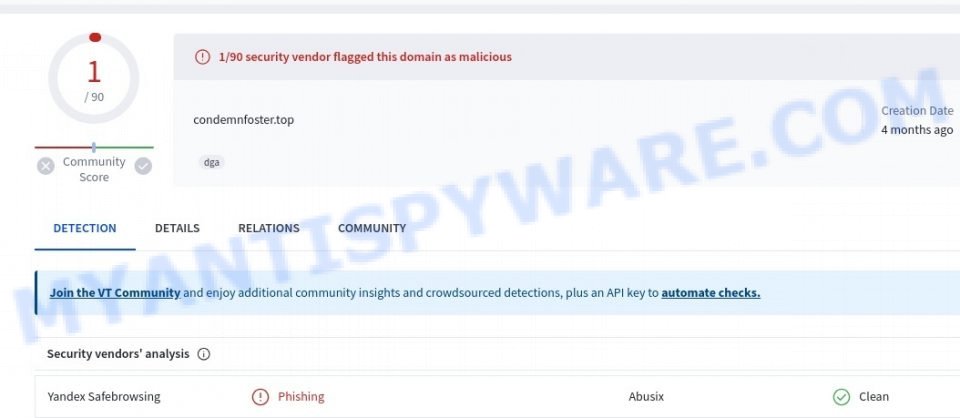
What is Condemnfoster.top? Condemnfoster.top domain is part of a redirect chain. Redirect chain is a sequence of URLs starting from the first – initial URL, ending with the last – final destination URL. For example, Condemnfoster.top redirects to yidiandian.xyz, which in turn redirects to go.kelpboat.com. Attackers may use long redirect chains to hide malicious content.
-
-


Iwheenaiga.com Virus Removal Guide
What is Iwheenaiga.com? ⚠️ Our team wants to warn you about the new scam website Iwheenaiga.com. This scam specifically targets users by trying to trick them into giving permission for push notifications from fake websites. Push notifications are alerts sent to your device to keep you updated on important information, messages, or promotions. Scammers misuse
-

Bimaxed.com’s Bitcoin Promo Code Scam: What to Know
Bimaxed.com is a Bitcoin Promo Code scam. This scheme, widely promoted on TikTok, uses fake profiles and videos to trick users. The scammers are falsely using the names of well-known figures like Bill Gates and Elon Musk to make their Bitcoin promo code scheme look legitimate. However, it’s all a deception. In this scam, TikTok
-

Avoid the Coinstak.com Scam: How to Spot TikTok Bitcoin Giveaway Scams
Coinstak.com is a confirmed scam. This scheme, widely promoted on TikTok, uses fake profiles and videos to trick users. The scammers are falsely using the names of well-known figures like Bill Gates and Elon Musk to make their Bitcoin promo code scheme look legitimate. However, it’s all a deception. In this scam, TikTok users are
-

Are Bestvalueecom.com’s Discounts Genuine? Spotting Online Shopping Scams
Bestvalueecom.com is a a website that looks like a great place for deals but is actually a scam. This site offers tempting discounts on various products, but don’t be fooled! Our investigation shows that Bestvalueecom.com is out to take your money and personal information while giving you nothing or poor-quality items in return. Keep reading
-

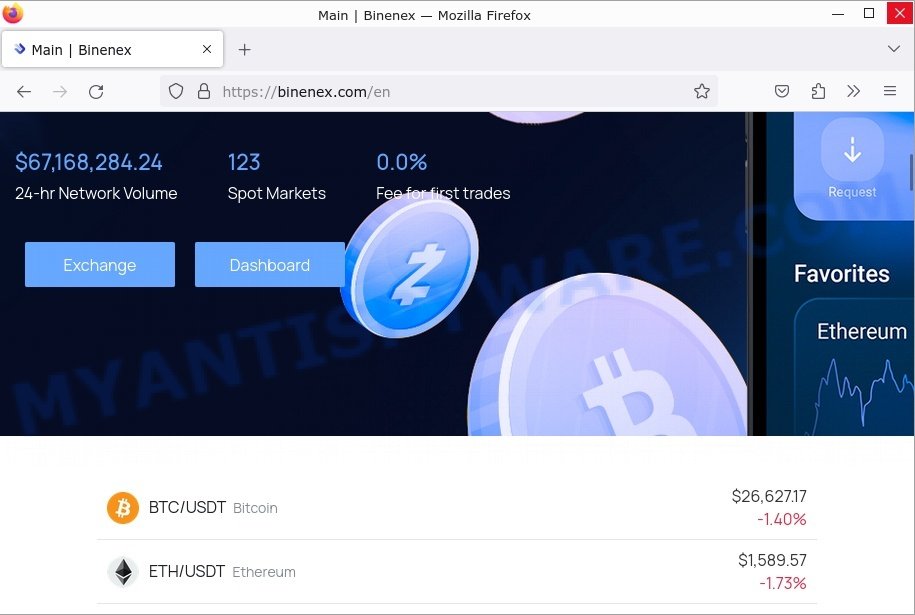
Binenex.com: The Latest TikTok-Backed Crypto Scam Featuring Phony Elon Musk Endorsements
The surge of cryptocurrency scams via TikTok shows no signs of abating, with Binenex.com being the most recent entrant. Following the playbook of scams such as Bitexlycoin.com and Teslaxpro.com, this platform is capitalizing on the allure of fake Elon Musk endorsements to captivate unsuspecting victims. Although it may present itself as a typical cryptocurrency exchange,
-
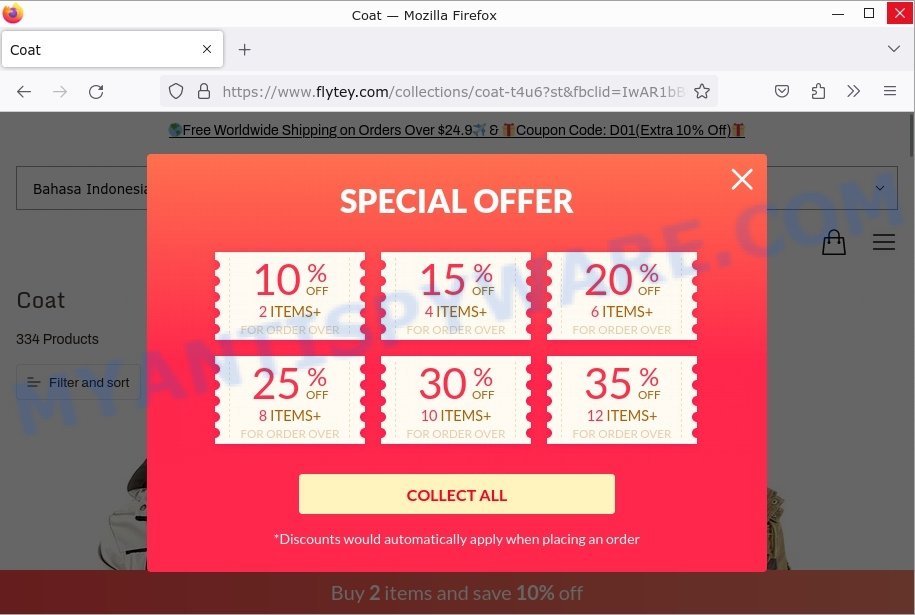
Flytey.com Review: How Facebook Ads Hide a $4.99 Clearance Sale Scam
Flytey.com is a a website that looks like a great place for deals but is actually a scam. This site offers tempting discounts on various products, but don’t be fooled! Our investigation shows that Flytey.com is out to take your money and personal information while giving you nothing or poor-quality items in return. Keep reading
-
Windows PowerShell Keeps Popping Up? Here’s What You Can Do
Windows PowerShell is a powerful and versatile tool used for system administration and automation. It offers a command-line interface that can execute complex tasks with a single command, making it a popular tool among IT professionals and advanced users. However, in recent years, many Windows users have reported an issue where the PowerShell window keeps
-

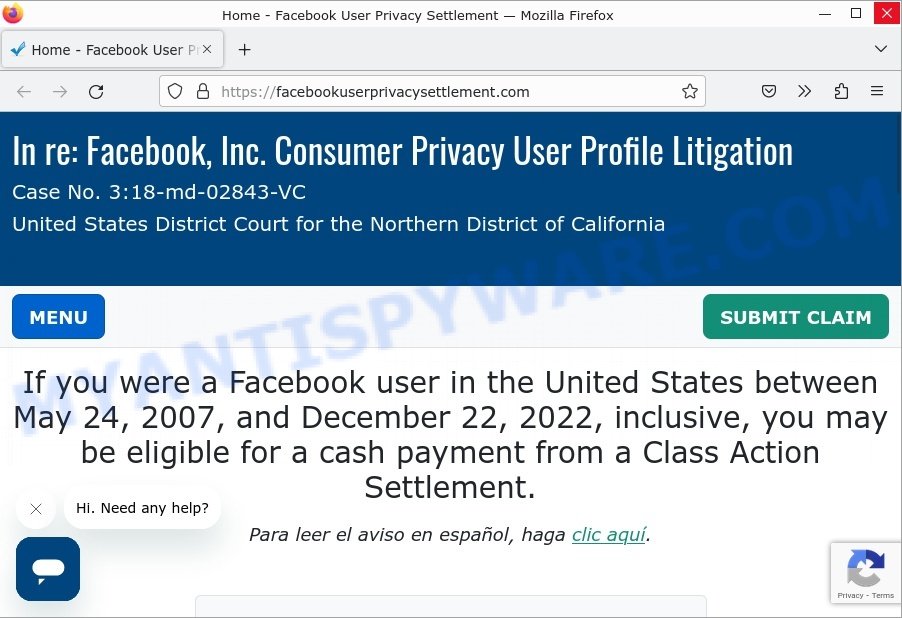
Facebook Settlement: No, it’s not a scam!
Some Facebook users have recently received notifications about a settlement related to a class-action lawsuit against Facebook’s parent company, Meta. Some users might be wondering whether this settlement is legitimate or a scam. Rest assured, the settlement is not a scam. The settlement relates to allegations that Facebook allowed third-party companies to access users’ data
-

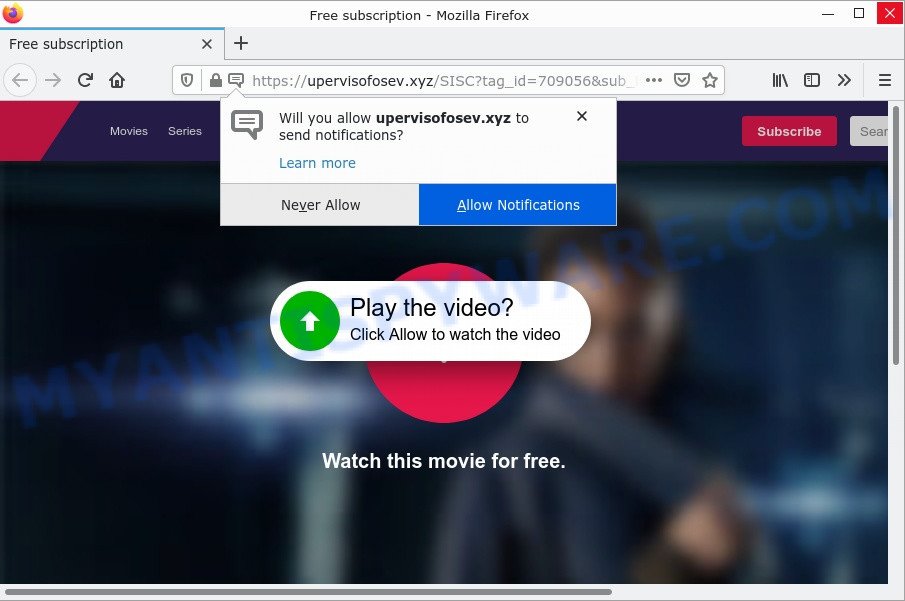
How to remove Upervisofosev.xyz pop-ups (Virus removal guide)
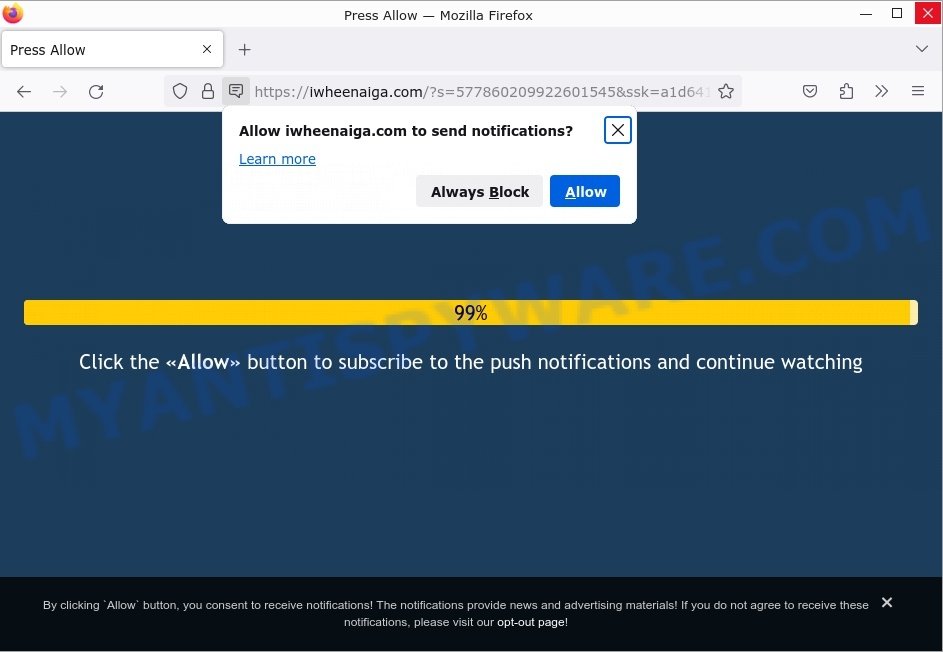
What is Upervisofosev.xyz? Upervisofosev.xyz website is a scam which uses social engineering methods to trick you into accepting push notifications via the web-browser. Scammers use push notifications to bypass protection against pop-ups in the web-browser and therefore show lots of unwanted adverts. These ads are used to promote suspicious web browser extensions, fake prizes scams,





 |
 |
 |


