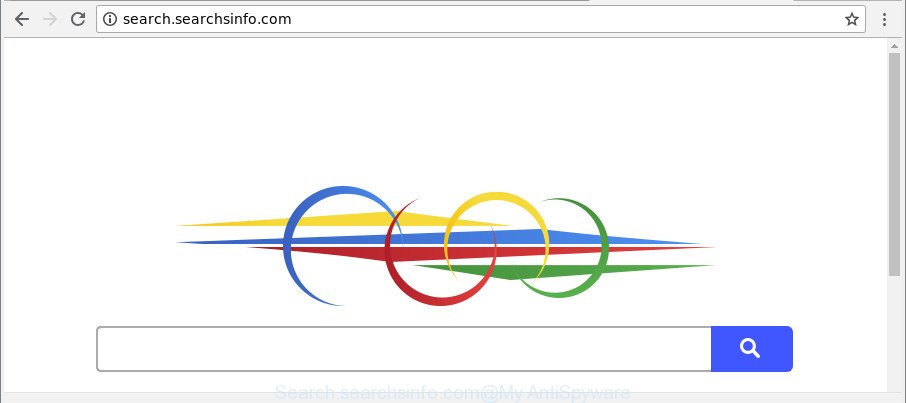
If your internet browser’s home page or search provider are being rerouted to the page called Search.searchsinfo.com, then you most probably have a browser hijacker installed on your machine. The hijacker infection will modify your web browser’s newtab page, home page and search engine by default so that they automatically open the Search.searchsinfo.com web-site and
-
-
How to remove Seek-answers.com [Chrome, Firefox, IE, Edge]
If the Firefox, Microsoft Internet Explorer, Chrome and Microsoft Edge opens automatically to Seek-answers.com webpage, then your PC system has been hijacked with a browser hijacker. As a result, your search engine by default, start page and newtab page are replaced to Seek-answers.com and all your search results are redirected to this harmful web-site or
-
How to remove Rapid-search.org [Chrome, Firefox, IE, Edge]
If Rapid-search.org have become the Mozilla Firefox, Microsoft Edge, Google Chrome and Internet Explorer browser’s new home page or search provider without your say-so, then you have a browser hijacker on your computer. The hijacker is usually a potentially unwanted application (PUA) or a web-browser add-on. It’s can be used to to modify search engine,
-
How to remove Finditquick.org [Chrome, Firefox, IE, Edge]
Do you get Finditquick.org on your web-browsers instead of your homepage or search provider? If yes, then you should known that it could mean a hijacker infection (sometimes named hijackware) is active on your PC causing the unwanted Finditquick.org webpage to appear. You should delete this browser hijacker infection without a wait. Here, in this
-
How to remove Findmysearch.org [Chrome, Firefox, IE, Edge]
If your homepage, search engine and newtab page has been modified to Findmysearch.org or you get a ton of advertisements popping up on your personal computer then it’s possible that your web browser has been hijacked with the obnoxious unwanted program that belongs to the browser hijacker family. Browser hijacking is a form of unwanted
-

How to remove Search.streamingworldcup.com [Chrome, Firefox, IE, Edge]
IT security professionals has determined that Search.streamingworldcup.com is a PUP (potentially unwanted program) from the group of browser hijackers. A large number of machines around the World have been hit by browser hijackers. The guidance below will teach you all you need to know about the browser hijacker. How it got into your computer, how
-
How to remove Search.quickspeedtest.co [Chrome, Firefox, IE, Edge]
The appearance of Search.quickspeedtest.co in your browser means that you unintentionally installed PUP (potentially unwanted program) from the family of hijackers on your PC, which can make changes to settings of all your typical web browsers by replacing the default search engine, new tab and start page. So, if you find that when you start
-

How to remove Gensearch.co [Chrome, Firefox, IE, Edge]
If your search provider by default, new tab and start page keeps changing back to the undesired page named Gensearch.co,then you need to know that hijackware (also known as browser hijacker) was installed on your machine. It is a type of unwanted software. Scammers use malware to take control of your computer’s web browser and
-

How to remove Live News Network [Chrome, Firefox, IE, Edge]
The Live News Network is an undesired webpage which can be set as your home page and search engine by a PUP (potentially unwanted program) from the hijacker infection family. Most often, the unwanted program installs on the computer in abundle with free applications that you downloaded and installed from the Web. Once it gets
-
How to remove Search.searchcurn.com [Chrome, Firefox, IE, Edge]
If your new tab, search engine and homepage keeps changing back to the unwanted web page named Search.searchcurn.com,then most probably that you accidentally installed browser hijacker on your computer. It’s a type of undesired software. Scammers use malicious software to take control of your machine’s web browser and modify how and what it shows when



 |
 |
 |


