The “McAfee Your PC Is Transmitting Malicious Files” popup scam is a classic scare tactic designed to panic users into quick, often costly, action. It falsely warns that your computer is sending harmful data and threatens legal consequences if you don’t scan a QR code immediately. This scam tries to mimic official security alerts, exploiting fears about privacy breaches and hacking.
At its core, this is a bluff—it’s not a real warning from McAfee or any government entity. The goal is to trick victims into installing fake software or handing over personal info. If you ever see messages like this, don’t scan QR codes or call numbers they give. Instead, close the popup, run a legitimate antivirus scan, and stick to trusted security practices. In a nutshell: these popups are con games, preying on your alarm to push you toward fraud. Stay alert and don’t fall for the pressure.
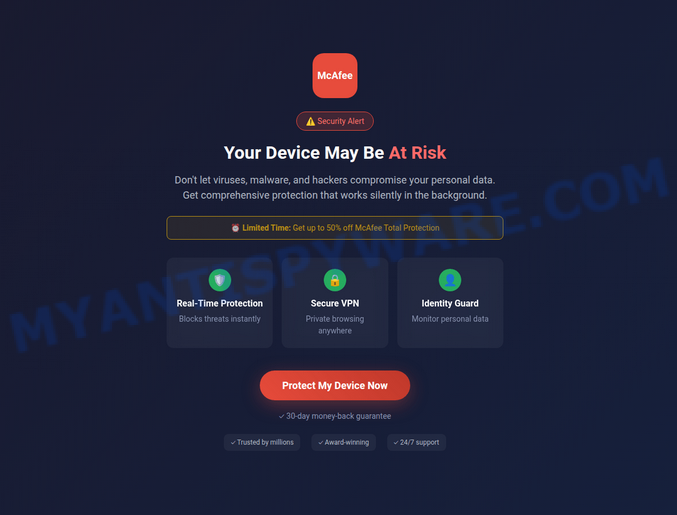
💡 Heads-up: Similar Scams Are Everywhere. The McAfee “Your PC Is Transmitting Malicious Files” popup is not unique. It is one of many fake supplements, gadgets, and other schemes we expose in our Fact Checks section. All of them aim to grab your personal data or money. The people behind these scams run slick websites, spread bogus promo codes, and even pose as trusted brands or experts. Below are a few recent scams that follow the same playbook as McAfee Your PC Is Transmitting Malicious Files: LipoBurn, Natural Glyco, Built-in Antivirus Has Detected A Threat, 7 Minute WiFi Blueprint, UltraLink TV Antenna.
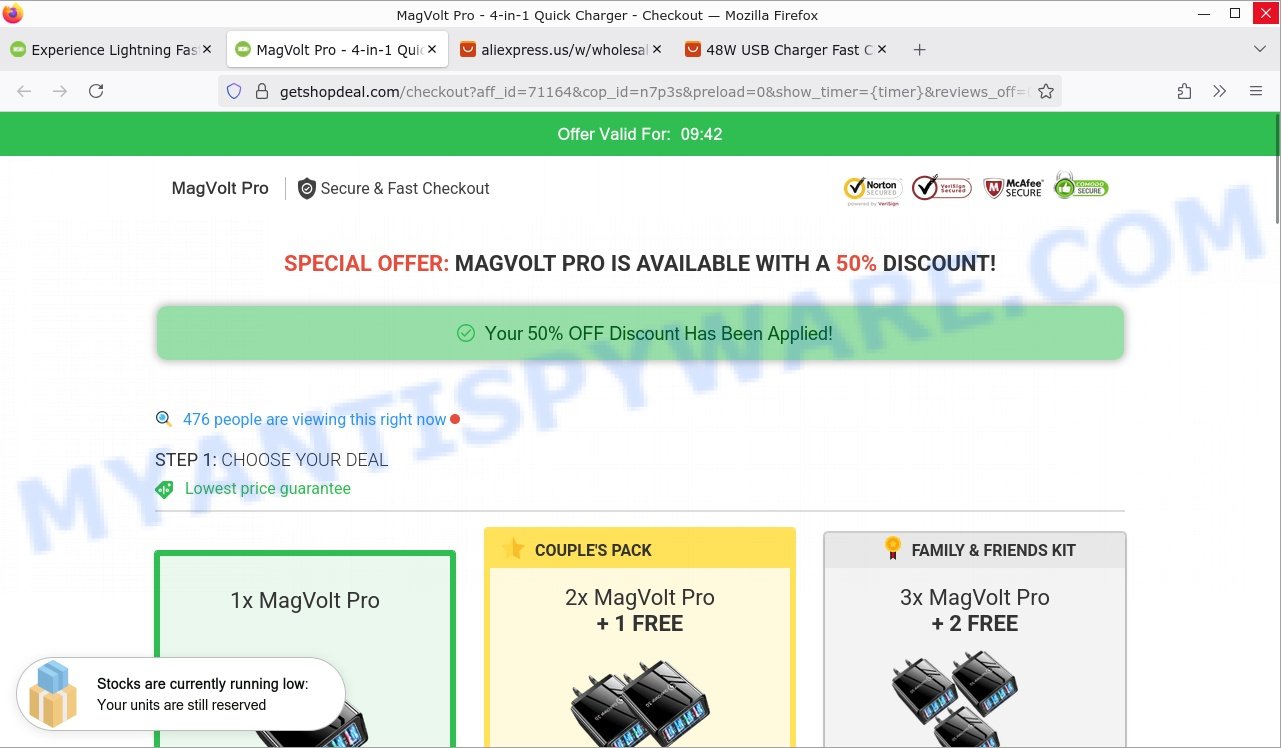
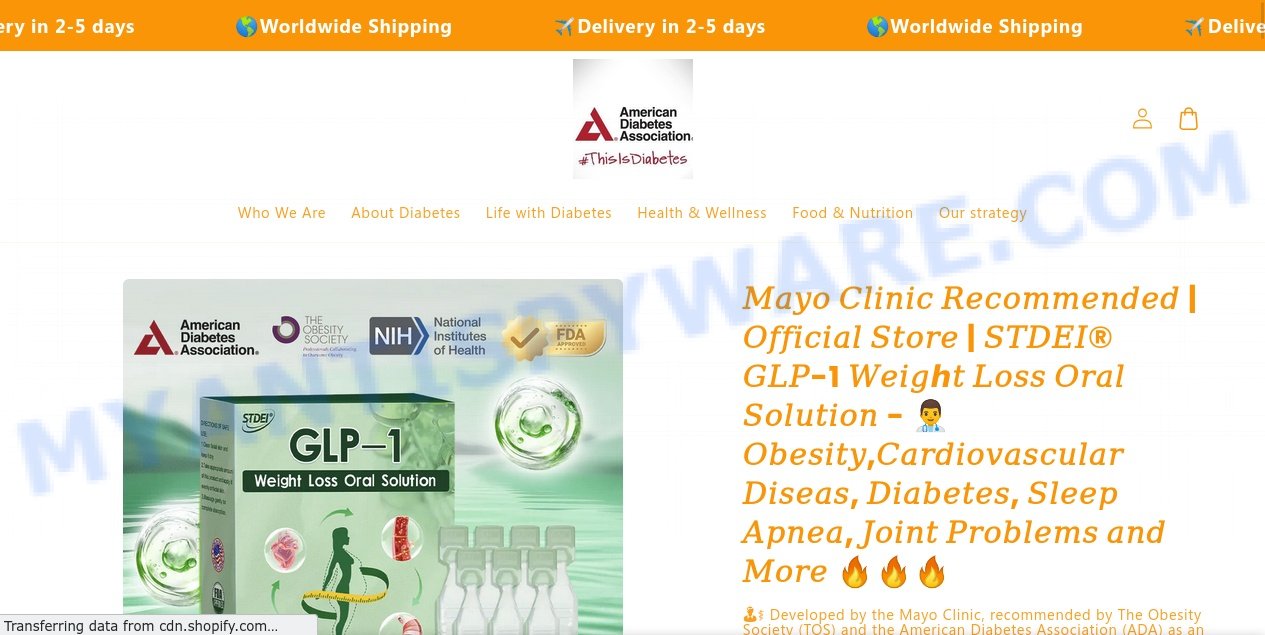
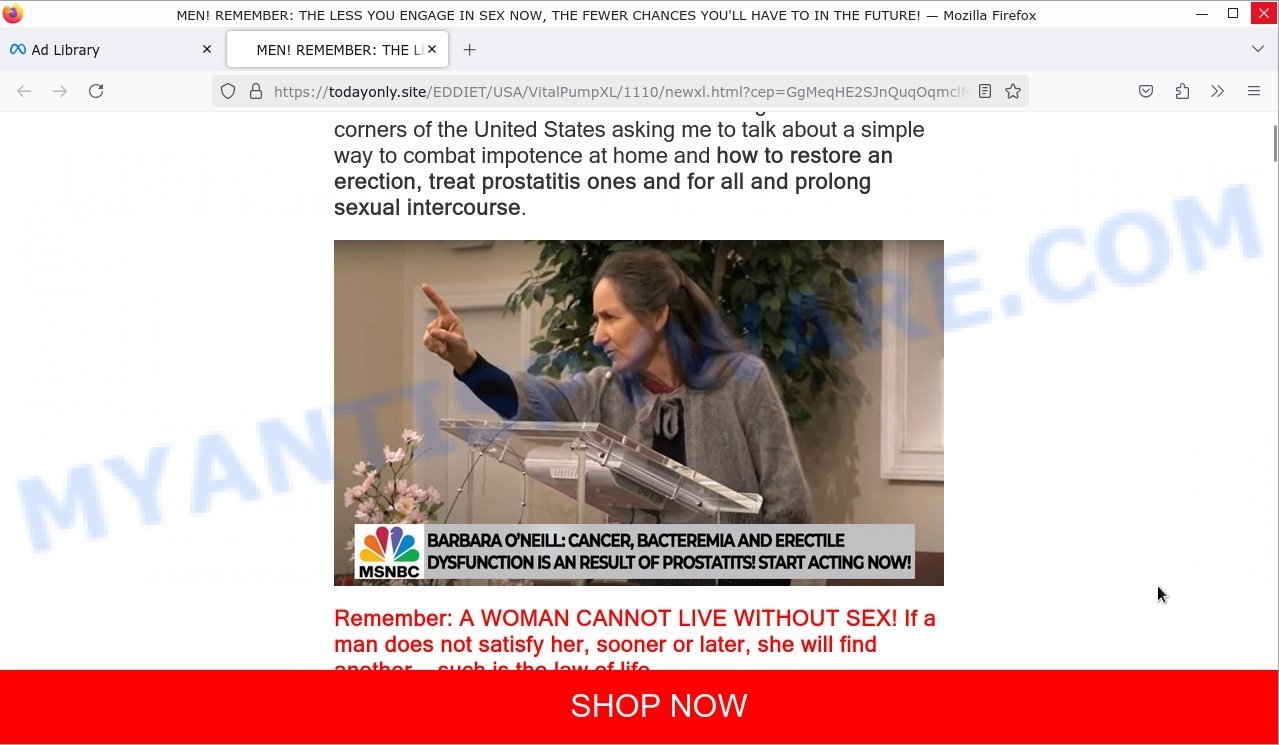
Table of Contents
🚨 Is the “McAfee Your PC Is Transmitting Malicious Files” Popup a Scam?
The warning popup claiming “Your PC is transmitting malicious files to the Internet” and urging you to scan a QR code is a classic scareware scam. It falsely alleges that your personal data has been compromised and that you must act immediately to avoid severe legal consequences, pressuring you with a ticking countdown timer.
Key Red Flags:
- 🌐 Fake Urgency and Threats: The popup uses fear tactics like threats of legal action and an aggressive countdown clock to rush you into hasty decisions without verifying the facts.
- 📱 Suspicious QR Code Scan Request: Legitimate security warnings from trusted antivirus companies like McAfee never instruct you to scan a QR code from a popup on your PC browser.
- 👾 Unverifiable Details: Information such as your location and browser version is automatically pulled from your device and used to make the warning appear more convincing, but these details do not indicate any real infection.
- ⚠️ Pressure Tactics: The message warns of “legal consequences” to instill panic, a common ploy to trick victims into downloading malware or sharing sensitive information.
- 💻 Browser-Based Popups Aren’t Trusted Security Alerts: Real antivirus software displays notifications within the program itself, not through browser popups that redirect you to unknown sites.
In summary, this “McAfee Your PC Is Transmitting Malicious Files” warning is a scam designed to frighten users into scanning their phone or downloading malicious software. If you encounter this popup, do not scan any QR codes or provide personal information. Instead, close the browser window, run a full antivirus scan using trusted security software installed on your device, and avoid interacting with suspicious popups. For genuine alerts, always rely on your antivirus software’s official notifications and contact their certified support channels.
🕵️♂️ How the McAfee Your PC Is Transmitting Malicious Files Scam Operates
McAfee Your PC Is Transmitting Malicious Files Scam is a fraudulent scare tactic used to trick users into downloading harmful software or giving away personal information. 🚨 It’s a type of scam where fake security alerts pop up on your screen to intimidate you into urgent action, which only benefits the scammers. 🔗 Step-by-Step Breakdown of the Scam:
🛒 Triggering Fake Security Warnings
Users encounter alarming popups such as “Warning! Threat detected! Your PC is transmitting malicious files to the Internet!” which falsely claim that their computer is infected and personal data is being sent to authorities, like the so-called “Ministry of Justice”. These warnings often include fabricated details such as location, operating system, and browser version to appear credible.
🕸️ Using Scare Tactics to Create Urgency
The popup displays a countdown timer pressuring the user to act quickly, warning of supposed legal consequences if they don’t “check their phone urgently” or scan a QR code. This tactic is designed to induce panic and prevent critical thinking.
📢 Forcing Interaction Through Phony Instructions
Users are directed to scan a QR code with their phone to initiate a “threat check”, which instead leads to malicious websites aiming to steal personal information, install malware, or trick users into purchasing fake antivirus software.
💼 Faking Authority and Legal Threats
The scam falsely claims involvement of government bodies and legal consequences to intimidate victims. There is no real government monitoring or legal action tied to these warnings — it’s simply a ploy to manipulate users.
🌟 Fabricating Technical Details
All references to IP addresses, locations, OS versions, and browsers in the popup are often randomly generated or taken from the victim’s own device to add a false sense of legitimacy.
⚖️ Misleading Claims of Infected Devices
Despite claims of “malicious file transmission”, the user’s device is almost never infected at the time of the scam. The entire alert is fabricated and designed to manipulate.
💸 Pushing for Payment or Data Disclosure
Once the victim follows instructions, scammers typically attempt to sell bogus security software or collect sensitive personal and payment information, exploiting fears raised by the alert.
In summary, the McAfee Your PC Is Transmitting Malicious Files scam is a scareware attack that deceives people into believing their computer is compromised and immediate action is needed. By showing fake warnings, countdowns, and legal threats, scammers pressure victims into scanning QR codes or downloading software that ultimately harms them. This scam highlights the importance of staying calm during popups, verifying claims with trusted security software, and never providing personal information or payment based on unsolicited alerts online.
😱 What to Do If Scammed
If you find yourself ensnared by the McAfee Your PC Is Transmitting Malicious Files Scam, immediate action is crucial. Here’s what you should consider doing:
🛑 Stop Further Transactions
The first step is to halt any additional transactions that might be in process. Contact your bank or credit card provider and inform them that you’ve fallen victim to a scam. They can help by blocking the card or reversing any unauthorized transactions.
📞 Report the Fraud
File a report with your local police and provide all the available evidence, such as screenshots, emails, and website URLs. Additionally, report the scam to online portals like the Better Business Bureau (BBB) at www.bbb.org or the Federal Trade Commission (FTC) at reportfraud.ftc.gov. If you’re in another country, reach out to your national consumer protection agency.
💻 Take Screenshots
Before the scam website gets taken down or changes, make sure to capture screenshots of your transactions and communications. These can serve as evidence if you decide to pursue legal action.
⚖️ Consult Legal Advice
Speak to a legal advisor about your situation. While pursuing legal action may be time-consuming and costly, it could be a possible avenue for recovering your lost money.
📢 Share Your Experience
Use social media platforms to share your experience and warn others about the scam. Your story could prevent someone else from falling victim to the same or similar scams.
Summary Table
Conclusion
The McAfee Your PC Is Transmitting Malicious Files popup is a scam that uses frightening, fake alerts to trick users into panic. This deceptive warning falsely claims your computer is sending malicious files to authorities like the “Ministry of Justice”б displaying your IP address, location, operating system, and browser details to seem convincing. The urgent language and countdown timer push you to act quickly without thinking, usually by scanning a QR code that leads to malicious sites or fraudulent services.
Instead of protecting you, these popups aim to steal your personal information, install malware, or extort money through fake technical support or unnecessary software purchases. No legitimate security company, including McAfee, would use such alarming tactics or threaten legal consequences via browser popups.
Bottom Line: Avoid interacting with any popup claiming your PC is compromised in this manner. Do not scan QR codes or follow the instructions, as they are part of a scam designed to exploit your fear. Always verify security alerts directly through trusted antivirus software, and keep your system and software updated to prevent real threats. Stay vigilant and never trust urgent popups demanding immediate action without verification.





